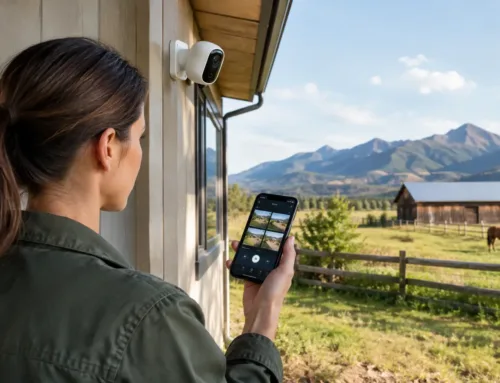
A camera in the calving shed drops offline just when it is needed. The office has reliable internet, yet the workshop 80 metres away cannot load a job sheet. At home, video calls work in the kitchen but not in an upstairs bedroom. These are familiar frustrations, and they prompt the same question: what causes WiFi dead zones?
A dead zone is an area where a device cannot maintain a usable wireless connection. It does not necessarily mean the broadband service itself is poor. Often, the internet reaches the router perfectly well, but the Wi-Fi signal cannot travel far enough, cleanly enough or reliably enough to reach where work, monitoring or everyday life takes place.
On farms, estates and larger rural properties, the answer is rarely one simple fault. Building materials, distance, site layout, radio interference and unsuitable equipment can all play a part. Finding the real cause before adding hardware is the difference between a lasting fix and another device plugged in at random.
What causes WiFi dead zones in the first place?
Wi-Fi uses radio signals. Like any radio signal, it weakens as it travels and struggles to pass through dense or reflective materials. The familiar range printed on a router box is usually based on an open indoor space, not a stone farmhouse with thick internal walls, a steel-clad machinery shed or several outbuildings spread across a yard.
Distance and poor router placement
Every metre between a device and the Wi-Fi source reduces signal strength. Put a router at one end of a property, in a cupboard, beneath a desk or behind a television, and the weaker parts of the building will soon show it.
Placement matters even in a modest house. A router positioned centrally and in the open usually performs better than one installed where the telephone or fibre entry happens to be. On a farm or commercial site, a single domestic router is very unlikely to cover a house, office, workshop, yard and livestock buildings. It was not designed for that job.
A connection can also appear available while being too weak for practical use. A phone may show one or two bars of Wi-Fi but still buffer video, fail to upload CCTV footage or drop a video call. This is often the edge of coverage rather than dependable coverage.
Thick walls, metal buildings and insulated materials
Older stone, brick and concrete absorb or block a surprising amount of Wi-Fi signal. A traditional Yorkshire farmhouse may have internal stone walls that turn a strong signal into a weak one within only a few rooms. Underfloor heating, foil-backed insulation, mirrors and water tanks can also affect coverage.
Metal is particularly difficult. Steel-framed sheds, roller shutters, grain stores and shipping containers can reflect and contain radio signals. In some cases, a signal may pass through an open doorway but disappear when it reaches the far side of the building. A metal-clad livestock shed may need its own properly positioned access point rather than a stronger router back at the house.
Water also absorbs higher-frequency Wi-Fi signals. That can matter around tanks, wet walls and densely occupied livestock buildings, although it is usually one factor among several.
The wrong Wi-Fi band for the job
Most modern networks use 2.4 GHz and 5 GHz bands. The 2.4 GHz band generally travels further and passes through obstacles more effectively, but it has less capacity and is often more congested. The 5 GHz band can provide faster performance at shorter range, but loses strength sooner through walls and floors.
Newer systems may also use 6 GHz, which can perform very well nearby but is even less suited to travelling through substantial building fabric. There is no single “best” band for every location. A tablet in an open-plan office and a camera at the far end of a barn have different needs.
The problem can be made worse when a device holds onto a distant 5 GHz signal instead of moving to a better nearby access point. Well-designed business-grade systems manage this handover more effectively than a collection of unrelated extenders.
Interference and crowded wireless channels
Wi-Fi shares radio spectrum with other equipment. Neighbouring networks, cordless devices, Bluetooth equipment, wireless alarms, baby monitors and certain machinery can create interference. In a village, several homes using the same wireless channel may compete with one another. In a busy office, dozens of phones and laptops may be trying to use the same access point at once.
Interference does not always remove the signal completely. More often, it makes performance inconsistent: speeds vary, devices disconnect or a camera stream becomes unreliable at particular times of day. Changing channels can help, but it is not a cure for poor coverage or an overloaded network.
Too many devices on one access point
A Wi-Fi network is not just about range. It also has to share capacity between connected devices. A single access point that serves staff laptops, guest phones, smart televisions, printers, heating controls and multiple CCTV cameras can become a bottleneck.
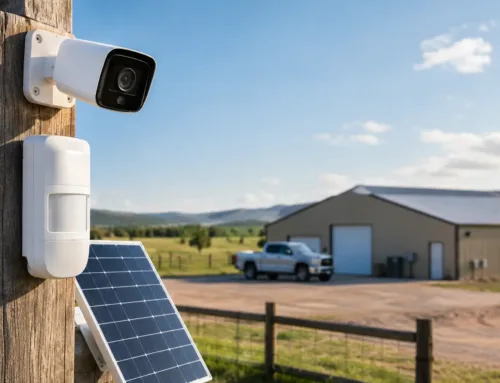
This is especially relevant where cameras are used for yard security, remote gates or livestock monitoring. Video uses more network capacity than browsing a web page, and several high-resolution streams need a network designed around them. The aim is not simply to make devices connect, but to make them work reliably when demand is highest.
Why rural properties need a different approach
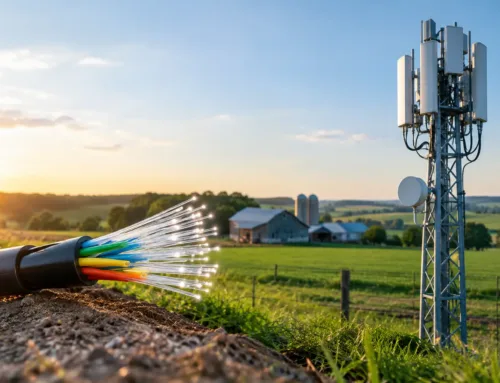
A rural site often has two separate connectivity challenges. The first is getting a suitable internet service to the property, whether through fixed broadband, 4G, 5G or Starlink. The second is distributing that connection around the site.
Improving the incoming internet service will not automatically fix Wi-Fi in distant rooms or buildings. Equally, installing more Wi-Fi equipment cannot overcome an internet connection that is too slow for the number of users and cameras. Both parts need to be assessed.
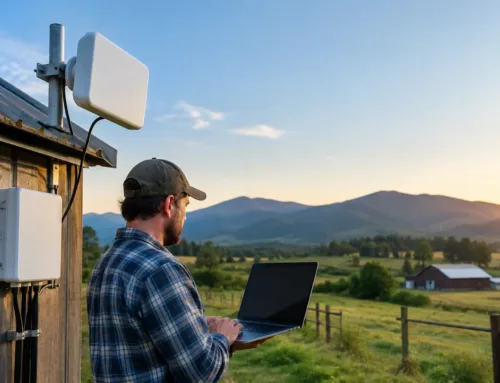
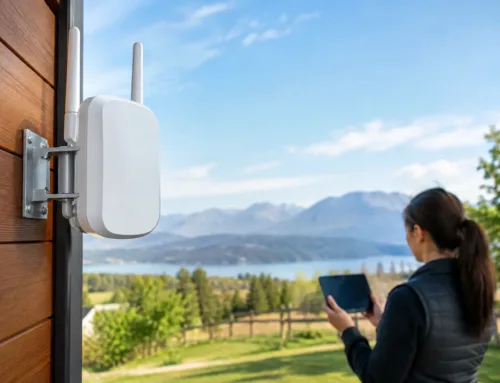
Outbuildings create another common issue. A Wi-Fi extender placed halfway to a shed may repeat an already weak signal, giving the impression of coverage without the performance needed for cameras or work devices. Where there is a clear route between buildings, a professionally installed point-to-point wireless link can carry connectivity across a yard or field. Where practical, a wired cable provides a highly reliable route. The best option depends on distance, terrain, existing ducts, power availability and the need for future expansion.
How to identify a WiFi dead zone accurately
Start by separating a Wi-Fi problem from an internet problem. If every device is slow everywhere, test the connection near the main router. If performance is good there but poor in a particular room, shed or yard area, the issue is likely local wireless coverage.
Walk the site with the actual devices that matter. Test where staff work, where cameras are mounted, where livestock monitoring is needed and where visitors or residents expect to connect. A signal check in an empty building may not reflect performance once doors are closed, machinery is running or the building is occupied.
Look for patterns. Does the issue occur behind one thick wall, at the far end of a building, only outdoors, or when several people are online? Does a camera disconnect in wet weather, or only when a roller shutter is closed? These details help identify whether the cause is obstruction, distance, interference, capacity or a combination of them.
For larger sites, a survey is worthwhile. It allows equipment locations, cable routes, building materials and outdoor link paths to be considered before installation. CUBTECH uses this practical site-first approach because a reliable network has to suit the property and the work carried out there, not just the floor plan.
The right fixes depend on the cause
Moving an existing router can improve coverage in a small property, but it has limits. Avoid hiding it in a cabinet or placing it directly beside dense metalwork, and keep it as central and elevated as the site allows.
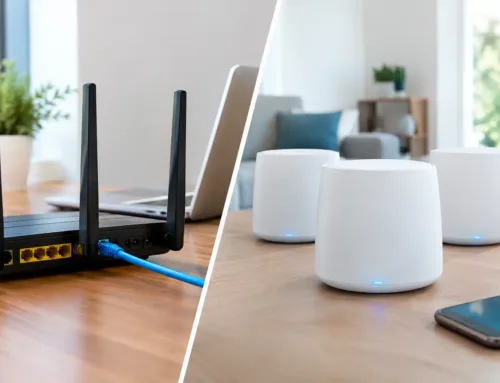
For consistent coverage across a larger house, office or accommodation block, multiple wired access points are often the strongest option. Each access point connects back to the network by cable, giving devices a nearby source of Wi-Fi without relying on a weak repeated signal. Mesh systems can be effective in some homes, particularly where cable routes are impractical, but their performance depends on the quality of the connection between each unit. They are not automatically the right answer for a large stone property or a spread-out agricultural site.
For separate buildings, treat each structure as its own coverage area. A point-to-point wireless link or a cable can bring the network to the building, then a local access point can provide Wi-Fi inside. This approach is usually more dependable than trying to broadcast from the main house across a yard.
Network design also matters. CCTV, office systems, guest access and smart devices may need to be separated so that one does not interfere with another. Equipment should be mounted where it can be serviced, protected from weather where necessary, and supported by suitable power and surge protection.
A good Wi-Fi system should feel unremarkable. Cameras stay connected, staff can work where they need to, and a walk to the shed does not mean losing contact with the rest of the site. That starts with understanding what is between the router and the places that matter, then building coverage around the way the property is actually used.