A meeting room can look perfectly presentable yet still waste ten minutes at the start of every call. The usual causes are familiar: a display that will not connect, poor sound at the far end, a camera pointed at the wrong place, or Wi-Fi that drops when several people join online. A well-planned audio visual installation for offices removes those daily frustrations and gives staff a room they can use with confidence.
For offices across North Yorkshire, especially businesses operating from converted farm buildings, rural sites or premises with limited fixed-line broadband, the system behind the screen matters as much as the screen itself. The right design has to suit the room, the people using it and the connection available on site.
Start with how the office actually works
Audio visual equipment should follow the working day rather than a product catalogue. A small office may simply need a dependable meeting display and video bar for hybrid calls. A boardroom may need a larger commercial display, ceiling speakers, wireless presenting and controls that visitors can understand without instructions. Reception areas, training rooms and staff spaces each have different requirements again.
The first question is not, “Which screen should we buy?” It is, “What needs to happen in this room?” Consider how many people normally attend, whether external clients join remotely, how often staff share documents, and whether the space is used for training or presentations. A room used for a weekly two-person call can be equipped very differently from one used for daily client meetings with ten people around a table.
It also pays to consider the people at the other end of a call. They need to hear everyone clearly, not just the person nearest a laptop microphone. Likewise, remote attendees should be able to see the room properly rather than looking up at faces from an awkward camera angle.
What a practical office AV system includes
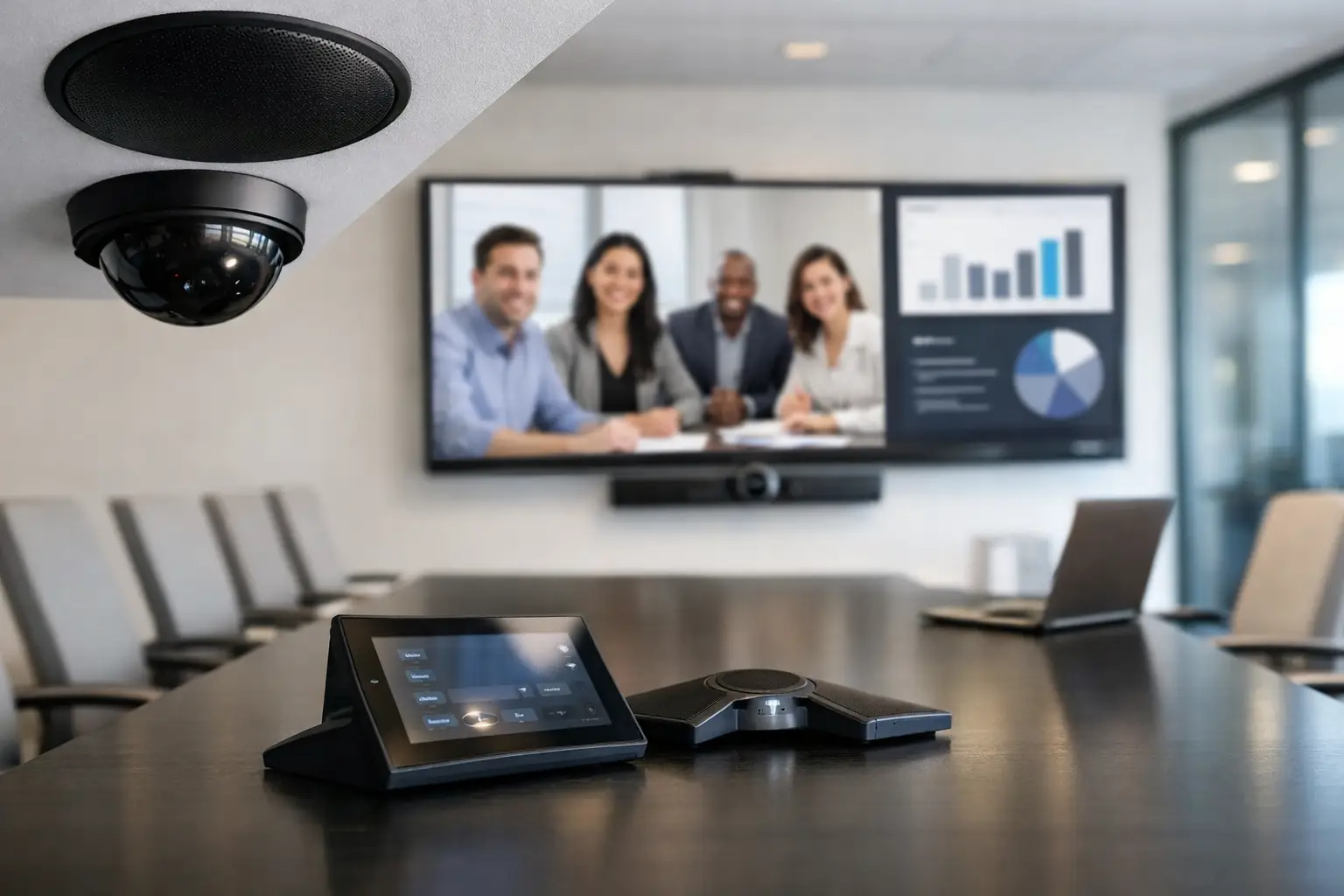
Most office installations centre on a commercial display or projector, a camera, microphones, speakers and a straightforward way to connect devices. The precise mix depends on the room and the preferred meeting platform, whether that is Microsoft Teams, Zoom, Google Meet or another service.
Commercial displays are generally a better fit than domestic televisions for busy office environments. They are designed for longer operating hours and can offer appropriate mounting, warranty and control options. Screen size needs to match both the room dimensions and viewing distance. A display that is too small makes shared documents difficult to read; one that is oversized can dominate a compact room.
For video calls, an all-in-one video bar can work very well in smaller meeting rooms. It combines a camera, speakers and microphones in one unit, reducing visible cabling and keeping operation simple. Larger rooms may benefit from separate cameras and additional microphones so that every participant can be heard. This costs more and needs more planning, but it can make a marked difference where meetings involve larger groups.
Wireless presentation is often useful, particularly where several staff members bring their own laptops. However, a wired connection should not be dismissed. HDMI or USB-C connections can be faster and more predictable, particularly for high-resolution content or sites where wireless coverage is variable. In many offices, having both options is the sensible approach.
Connectivity is part of the installation
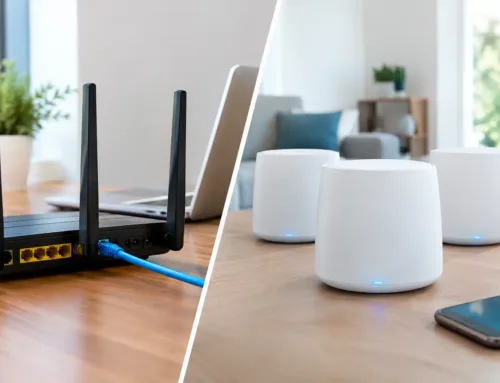
A video meeting system is only as reliable as the network carrying the call. This is a particular consideration for rural offices, workshops and estate businesses where broadband may be limited, the main router is in another building, or thick stone walls reduce wireless coverage.
Before fitting AV equipment, it is worth checking the available internet service, Wi-Fi coverage, wired network capacity and the number of devices normally connected. A call can suffer from poor audio and frozen video even when a speed test looks acceptable, particularly if the connection is shared with cloud backups, CCTV viewing, staff devices and guest access.
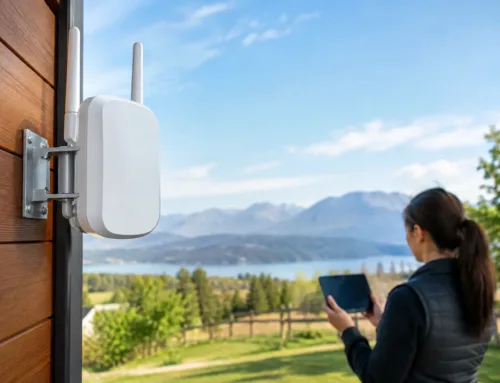
Wired network points at the display or meeting-table position provide a stable foundation for permanent conferencing equipment. Where cable routes are impractical across a yard or between buildings, a properly designed wireless link may be the answer. In harder-to-serve locations, 4G, 5G or Starlink can provide a workable connection where conventional broadband falls short. The best option depends on the site, local signal conditions, data requirements and how critical uninterrupted meetings are to the business.
Audio visual installation for offices needs a site survey
A survey prevents avoidable problems being built into the installation. It identifies where the screen should sit, how cables can be routed neatly, where power and network points are available, and whether lighting or room acoustics will affect calls.
Bright windows behind participants can leave faces in shadow on camera. High ceilings, bare walls and hard floors can create echo that makes speech tiring to follow. Neither issue necessarily requires major building work. Screen placement, camera positioning, microphone choice and a few practical changes to the room can often improve results considerably.
The survey is also the point to look beyond the meeting room. A business may want digital signage in reception, a display for workshop schedules, staff announcements across several offices, or a presentation system in a training area. Planning these elements together can reduce disruption and create a more consistent system, rather than adding separate equipment room by room over time.
Keep controls simple for staff and visitors
The most successful office AV systems do not require specialist knowledge. Staff should be able to enter a room, connect their device or start a scheduled call, adjust volume if needed and get on with the meeting. If a system has several remotes, unclear inputs and instructions taped to the wall, it is unlikely to be used as intended.
This does not mean every system needs an expensive control panel. For a straightforward huddle room, a single video bar and clearly labelled connection may be all that is needed. In a larger boardroom, a central controller can make sense because it brings the display, camera, sound and source selection into one clear interface. The right level of control depends on the room’s complexity and the number of regular users.
Training matters too. A short handover with the people who will use the equipment is more valuable than leaving a room full of unfamiliar technology. Staff should know the normal steps, what to check if a call does not start, and who to contact if an issue needs support.
Avoid treating cabling as an afterthought
Visible leads across a meeting table are inconvenient, untidy and easily damaged. More importantly, poorly planned cabling can make future maintenance difficult. Power, data and AV connections should be considered before displays are mounted and furniture is positioned.
Professional installation allows cables to be concealed where appropriate, protected in suitable containment and labelled for future servicing. It also avoids overloading existing sockets or relying on extension leads as a permanent solution. In older offices, barns converted for commercial use and listed or stone-built properties, cable routes often need careful thought to keep the finish tidy while respecting the building.
There is a trade-off between a completely hidden installation and easy access for changes later. Equipment that is inaccessible behind a wall or fixed cabinet can make simple upgrades unnecessarily costly. Good design balances a clean appearance with sensible service access.
Plan for growth, but do not over-specify
It is sensible to allow for likely changes, such as an extra display, a future training room or more remote staff. Installing spare network capacity or suitable cable routes during initial works is often less disruptive than reopening walls later. Yet buying advanced equipment that no one will use is not good value.
The right system is one that meets current needs reliably and can be expanded where there is a clear reason to do so. For some businesses, that means one properly equipped room. For others, it may mean a connected set of meeting, training and reception spaces supported by a stronger wired and wireless network.
A capable installer should explain those choices in plain terms, including what is essential now, what can wait and where investment will have the greatest operational benefit. At CUBTECH, that starts with understanding the building, the connection and how your team works before recommending a practical installation.
When a meeting room works first time, people stop thinking about the equipment and focus on the conversation. That is the useful test for any office AV installation: not how impressive it looks on the wall, but whether it helps the working day run properly.