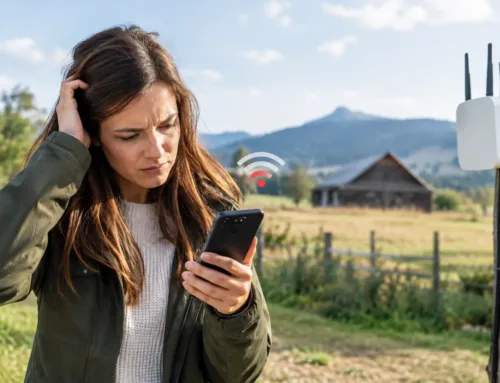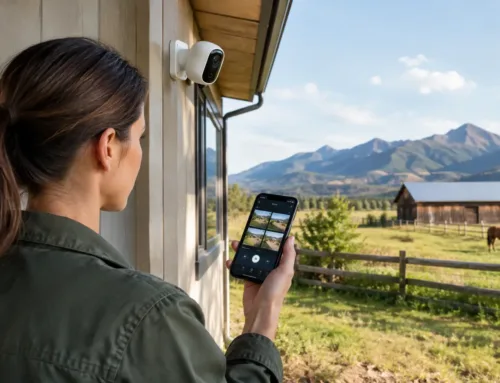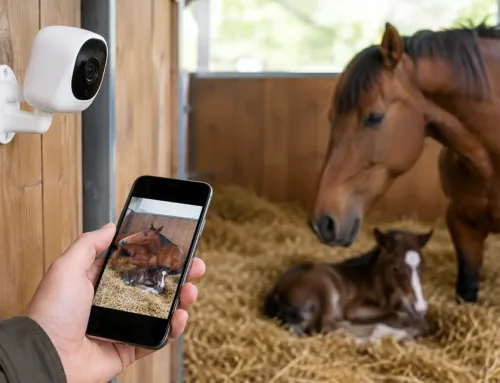
A mobile phone losing signal halfway across the yard is inconvenient. A livestock camera dropping out during lambing, a card terminal failing at an outdoor event, or a gate controller going offline is a different matter. Knowing how to boost outdoor WiFi starts with treating it as a site-wide connectivity project, not simply adding a stronger router near a window.
On farms, estates and larger rural properties, distance is only one part of the problem. Stone walls, steel-clad sheds, mature trees, changing ground levels and weak incoming broadband can all limit coverage. The right answer depends on what needs to connect, where it is located and how dependable the connection needs to be.
Start with the internet connection, not the garden
Outdoor Wi-Fi can only distribute the connection arriving at your property. If fixed-line broadband is slow or unreliable, fitting additional access points may improve local coverage but will not create more internet capacity.
First, establish whether the issue is coverage, speed, or both. Stand close to the main router and run a speed test, then repeat it at the places where service is needed: the patio, workshop, stable yard, office cabin, holiday let, shed or distant barn. If performance is poor beside the router, investigate the broadband service itself. In rural areas, this may mean considering a properly installed 4G or 5G connection, or Starlink where mobile and fixed-line options are limited.
If speed is acceptable indoors but falls away outdoors, the task is to extend the local network properly.
Plan coverage around the jobs that matter
A useful outdoor Wi-Fi design begins with the devices and tasks that rely on it. Streaming music on a terrace has different requirements from transmitting high-definition CCTV footage or monitoring calving cameras in a remote building.
Make a simple map of the site and mark the locations that need a connection. Include buildings, yards, gateways, caravans, offices, workshops, visitor areas and camera positions. Also note where power is available and where a cable could realistically be run.
Think about capacity as well as reach. One access point might serve a small garden well, but a busy yard with staff mobile phones, tablets, CCTV, smart equipment and guests can require more than one. A network designed only for a single device often becomes unreliable as soon as operations get busy.
Do not rely on the router through external walls
Home routers are designed principally for indoor rooms. Their signal is reduced sharply by external stonework, insulated cladding, foil-backed plasterboard and metal-framed doors. Placing a router on a windowsill may offer a small improvement, but it is rarely a dependable answer for a yard or field.
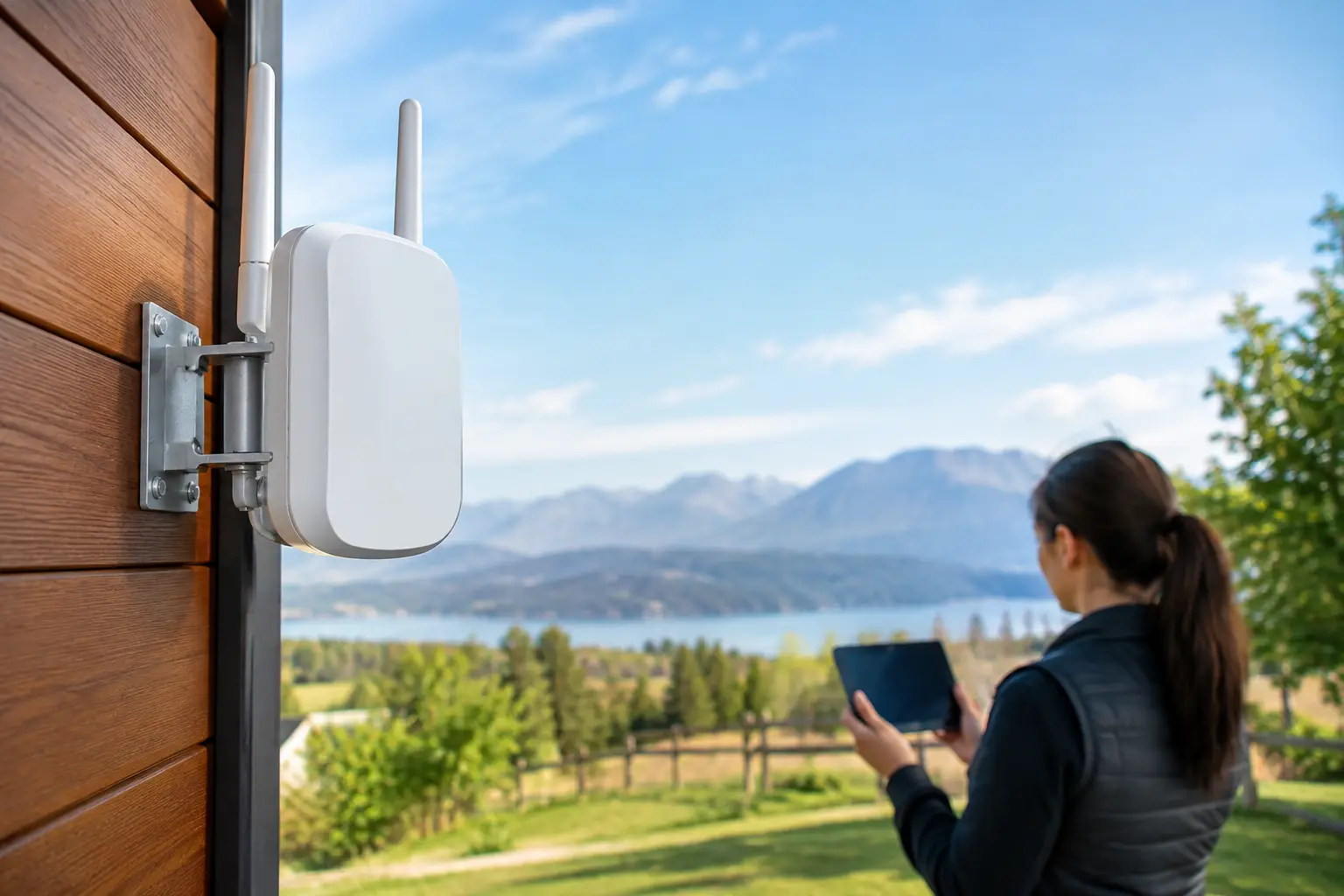
The practical solution is usually to position purpose-built equipment closer to the area being served. This could be an outdoor wireless access point for nearby coverage, or a wireless link that carries the network to another building before creating Wi-Fi there.
Choose the right way to extend the network
There are three common approaches, and each has its place.
Run a network cable where it is practical
A cabled connection is normally the most reliable foundation. An outdoor-rated network cable, correctly routed and protected, can connect a distant access point, office, barn or camera location back to the main network. It avoids the performance loss that comes with repeating an already weak wireless signal.
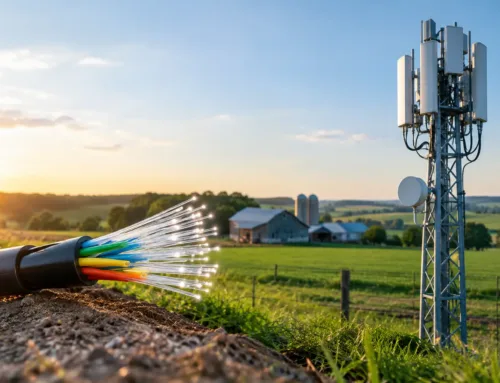
For longer runs between buildings, fibre is often the better option. It is well suited to sites with electrical differences between buildings and can cover far greater distances than standard copper network cable. The initial installation can be more involved, but it provides a solid basis for CCTV, business systems and future expansion.
Fit an outdoor access point for local coverage
An outdoor access point is designed to broadcast Wi-Fi into an open area. It is useful for a courtyard, garden, stable yard, loading area, campsite, patio or the space immediately around a building. It should be mounted high enough to clear everyday obstructions, while remaining accessible for maintenance.
Placement matters more than headline specifications. A unit fixed to the wrong side of a stone building may leave the required area in a radio shadow. Equally, pointing a powerful access point across an exposed yard can create signal beyond your boundary, which is not helpful from either a security or performance point of view.
Use a point-to-point wireless link between buildings
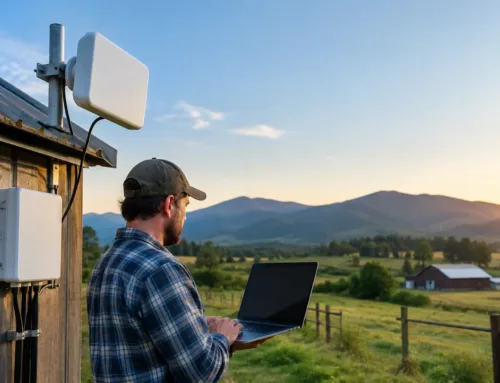
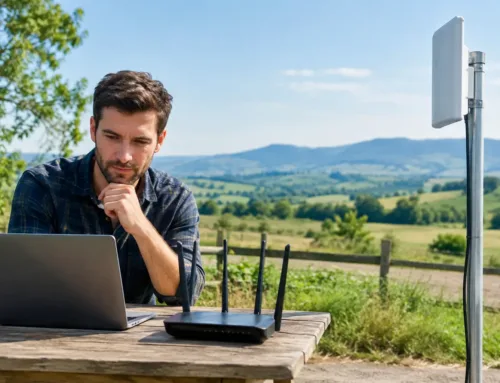
For a remote barn, gatehouse, workshop or holiday accommodation, a point-to-point wireless link is often the most cost-effective alternative to trenching cable. Two directional units are installed with a clear line of sight between them. One sends the connection from the main building and the other receives it at the remote location.
Once the connection reaches that building, an access point can provide normal Wi-Fi inside and around it. This arrangement is particularly effective for farms and estates where buildings are separated by a yard, track or field but are visible to one another.
A clear line of sight is vital. Trees may appear harmless in winter but become a major obstruction in summer. Grain stores, machinery, parked trailers and new buildings can also interrupt a link. A site survey should consider what the view will look like throughout the year, not merely on installation day.
Mesh Wi-Fi can help, but it has limits
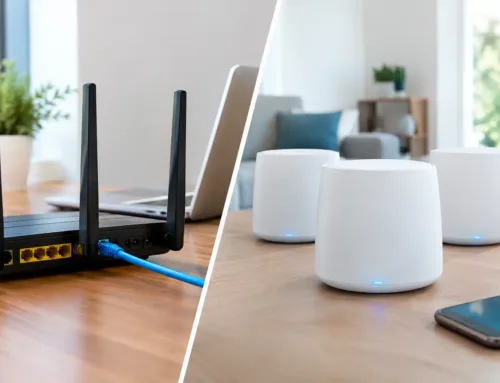
Mesh systems are popular because they are easy to add around a home. They can work well for extending coverage through a modern house and into a nearby garden, especially where each mesh unit has a wired connection back to the network.
They are less suitable for substantial outdoor distances or separate agricultural buildings. A wireless mesh node must receive a strong signal before it can pass one on. If it is placed at the edge of poor coverage, it simply repeats a poor connection. Each wireless hop can also reduce available speed and add delay.
For a patio or modest garden, mesh may be sufficient. For a barn 150 metres away, a livestock camera network or a working yard, dedicated outdoor equipment and a planned backhaul are usually the better choice.
Account for terrain, materials and weather
Rural sites introduce conditions that are easy to overlook on a floor plan. A dip in the land can block a signal even when two buildings look close together. Wet foliage absorbs radio signal, while metal sheds and grain bins can reflect it unpredictably. Solar panels, water tanks and machinery may affect a route that seemed clear during an initial check.
Outdoor equipment should be rated for the environment in which it is installed. That includes rain, frost, UV exposure and wind loading. Connections need weatherproofing, cables should be secured and protected from damage, and mounting points should not interfere with farm operations or vehicle movements.
Electrical protection is equally important. External network equipment is exposed to surges, particularly on high buildings and long cable runs. Correct earthing and surge protection reduce the risk of damage to network equipment connected indoors.
Separate everyday Wi-Fi from security-critical devices
A well-designed network does more than provide internet access. It keeps important systems from competing unnecessarily with guest devices and personal mobile phones.
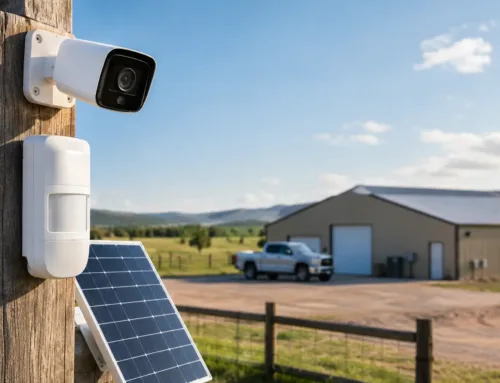
CCTV, intruder alarm communicators, access control, livestock monitoring and business equipment can be placed on separate network segments from visitor Wi-Fi. This helps protect sensitive systems and makes faults easier to trace. It also means a guest downloading large files should not interfere with the connection needed by security cameras.
Use strong, unique passwords and change default equipment credentials during installation. Guest access should be separate, with a password that can be changed without disrupting the main network. For sites with staff, contractors or holiday guests, this is far more manageable than sharing one network password with everyone.
Test the network where it will actually be used
Coverage bars alone do not show whether a connection is fit for purpose. Test with the devices that matter: view live camera footage from the intended location, make a Wi-Fi call, send files from a tablet and check whether gates, sensors or other connected equipment respond promptly.
It is also worth testing at busy times. A system that performs well with one person outside may behave differently when several users are connected and cameras are recording. A professional installation should include positioning, configuration and commissioning, rather than stopping once a device appears online.
Build for the next job, not only this one
The most economical installation is not always the one with the lowest initial cost. If you expect to add cameras, an office cabin, an electric gate, a holiday let or more livestock monitoring later, leave capacity in the design now. A correctly positioned wireless link or cabled route can support several services, avoiding repeated call-outs and ad-hoc equipment purchases.
For larger or more difficult sites, a survey is the sensible first step. It identifies the incoming internet options, checks line of sight, considers buildings and terrain, and matches equipment to the required outcome. CUBTECH can design and install outdoor connectivity alongside CCTV, security and rural broadband systems, so the network is planned as part of the wider site rather than as an afterthought.
The best outdoor Wi-Fi is rarely the one that reaches furthest on paper. It is the connection that remains dependable at the gate, in the shed, beside the pens or across the yard when you need it most.