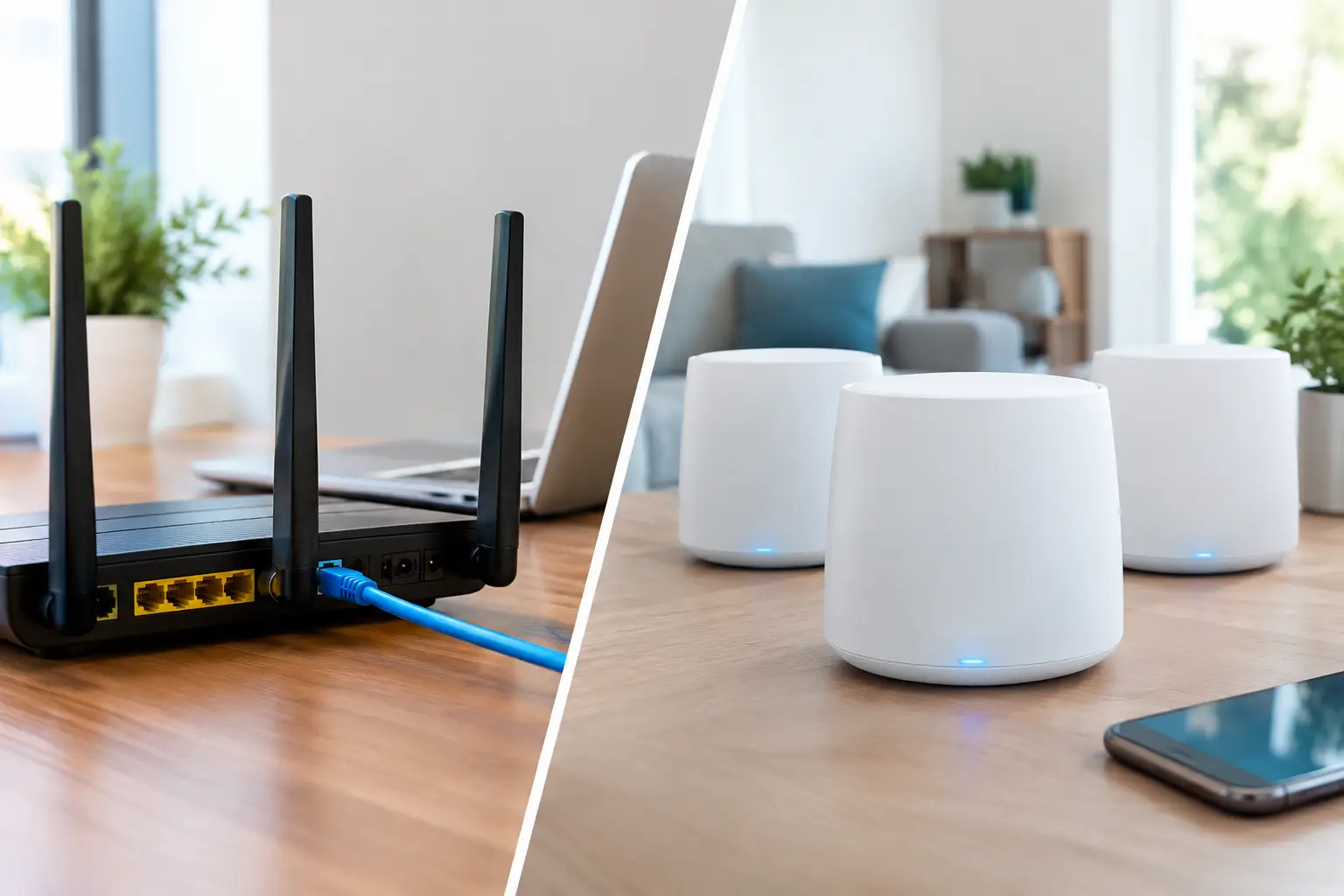
A camera buffering at the calving shed, card payments dropping out in a farm shop, or a video call failing in the home office are rarely solved by simply buying a more powerful router. The real question is wired versus mesh WiFi: which approach will reliably carry a connection where it is needed, across the distances and building materials on your site?
For many rural properties, the answer is not strictly one or the other. A well-designed network often uses wired infrastructure where dependability matters most, then uses wireless access points to provide practical coverage indoors and outdoors. The right choice depends on building layout, available cable routes, broadband speed, the number of users and whether systems such as CCTV, alarms or livestock cameras rely on the network.
Wired versus mesh WiFi: the key difference
A wired network uses Ethernet cable – usually Cat6 or better – to connect devices or WiFi access points back to a central router, network switch or cabinet. Each wired connection has its own direct path, giving stable speed and low delay. It is the preferred foundation for permanent installations where cameras, office equipment, smart TVs, tills or critical monitoring equipment need to work consistently.
Mesh WiFi uses several wireless units, often called nodes, placed around a property. One node connects to the broadband router and the others extend the signal by communicating wirelessly with it and with each other. It can improve coverage in a house where one router cannot reach every room, without lifting floors or installing new cables.
The distinction matters because mesh does not create more broadband capacity. It shares the connection over the air. If a mesh node has a weak link back to the main unit, every device using that node can experience reduced speed, higher latency and occasional drop-outs.
There is also a useful middle ground. Many mesh systems can use Ethernet for their backhaul – the connection between nodes. Once nodes are wired back to the network, they work more like professionally installed access points, retaining easy roaming while avoiding the main weakness of wireless-only mesh.
Why wired infrastructure remains the dependable option
Wired networking is normally the better choice for large homes, offices, workshops, farmyards and estates where WiFi has a job to do rather than simply provide casual browsing. Cable is not affected by stone walls, metal cladding, machinery, shelving, weather or neighbouring wireless networks in the way radio signals are.
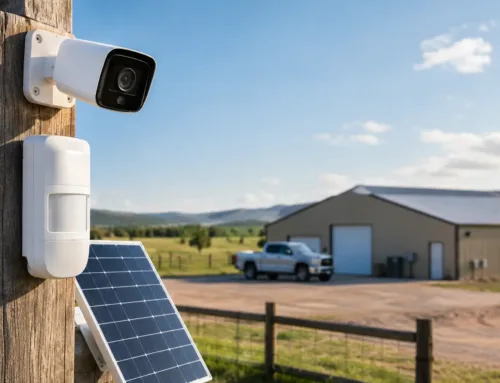
A wired connection is particularly worthwhile for fixed equipment. CCTV recorders and cameras can generate continuous traffic, especially where high-resolution recording, remote viewing or AI people and vehicle detection are in use. Connecting these over cable reduces congestion on the WiFi network and helps footage remain available when it is needed.
For buildings with suitable routes, cable also offers long-term flexibility. A network point installed in an office, barn conversion, workshop or holiday let can later support an access point, camera, computer, phone system or wireless bridge. It is often more cost-effective to install sensible containment and cable while refurbishment, roofing or groundwork is already taking place than to revisit the work later.
Power over Ethernet, known as PoE, is another advantage. One network cable can carry both data and power to compatible cameras, access points and door entry equipment. This avoids relying on a nearby plug socket and makes equipment placement much more practical.
Wired does have limits. Ethernet cable runs have distance constraints, installation can be disruptive in finished properties, and cable laid externally needs proper protection. For long runs between buildings, fibre or a purpose-designed point-to-point wireless link is usually more appropriate than attempting to extend ordinary Ethernet across a yard or field.
Where mesh WiFi makes sense
Mesh WiFi can be a sensible solution in a typical house with awkward coverage areas: an upstairs bedroom, a garden office close to the house, or a lounge separated from the router by thick internal walls. It is also useful where tenants, visitors or staff need a straightforward connection and running cable is impractical.
The best mesh installations are planned rather than scattered. Nodes need a good signal from one another, not merely a poor signal at the edge of the property. Placing a node in a dead zone generally does not fix the problem, because it has too little connection to pass on. It needs to sit between the reliable coverage area and the area that needs improving.
Mesh is usually less suitable as the primary method of connecting permanent outbuildings. A stone barn, steel-framed shed or workshop can block and reflect wireless signals heavily. Even if the system appears to work on a quiet day, performance can change as doors close, machinery operates or more people connect.
It can also struggle on sites with several buildings. Each additional wireless hop introduces another potential bottleneck. A connection that crosses from a farmhouse to an office, then to a workshop, then to a yard camera may look tidy on paper but is not an arrangement to depend on for security or business use.
Think about the whole route, not only the WiFi
It is easy to focus on the signal bars shown on a mobile phone, but the network is only as capable as its weakest part. A fast WiFi system cannot compensate for an unreliable broadband service, poor router placement, overloaded equipment or an inadequate link to a remote building.
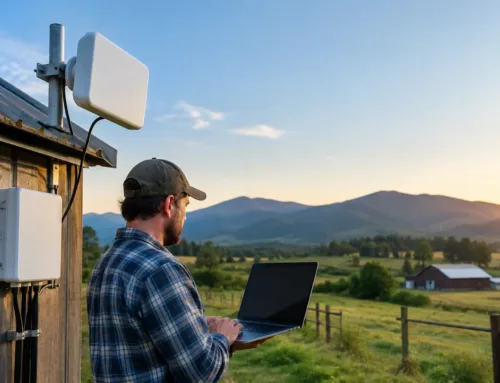
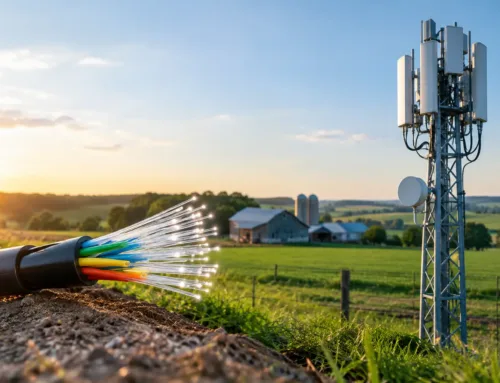
On rural sites, the starting point may be a fixed-line service, 4G, 5G or Starlink connection. Each can provide an effective internet service, but the way it enters and is distributed around the property needs careful design. For example, a Starlink installation may provide excellent broadband at the farmhouse, while a wired or point-to-point network link is still needed to deliver dependable connectivity to a distant office, livestock shed or gate camera.
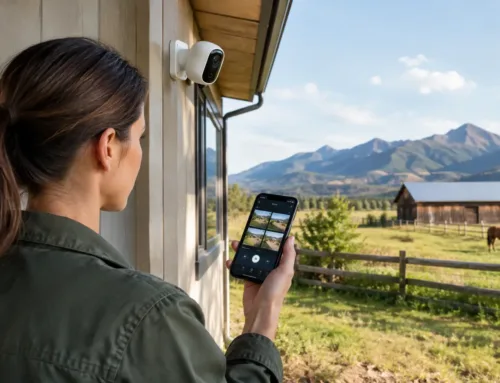
CCTV also changes the calculation. Live viewing, cloud backup and remote access can all use substantial upload bandwidth. If cameras and household devices share a wireless mesh connection, a busy evening can affect both. Separating security equipment onto wired connections or a dedicated network segment gives better control and makes fault finding far easier.
Choosing the right approach for common rural sites
A rural home with a few weak rooms may be well served by a quality mesh system, particularly if the broadband router is centrally located and the nodes can maintain a strong connection. If redecorating or renovating, adding cable to likely access point positions creates a much stronger long-term option.
For a farmhouse with an office, several users, smart devices and external cameras, wired access points are usually the better investment. They provide full coverage without asking one wireless signal to fight through old walls and across multiple floors.
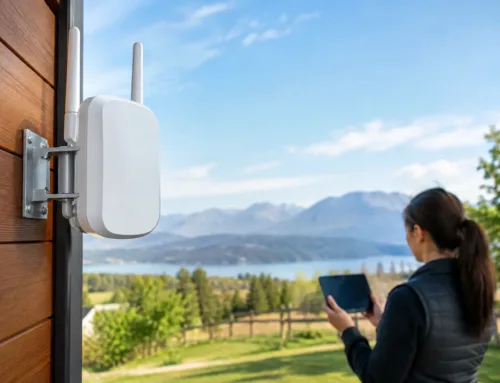
A farmyard or estate requires a different mindset. The aim is not to extend domestic WiFi as far as possible. It is to create reliable connections between locations. Fibre may suit high-capacity permanent routes, while managed point-to-point wireless links can connect buildings, gates, yards and remote camera positions where trenching is difficult. WiFi access points can then be installed locally inside each building.
For temporary sites, events or seasonal operations, mesh may have a role because it can be deployed quickly. However, a temporary solution still needs a clear route back to the internet connection, sensible equipment placement and enough capacity for the expected number of users.
Common mistakes that cause poor coverage
The most frequent issue is placing the main router wherever the broadband line enters the building. This is often a utility room, cupboard or corner office – exactly where it provides the least useful coverage. The router or primary access point should be positioned according to where connectivity is needed, with cable used to reach it if necessary.
Another mistake is treating every signal problem as a WiFi problem. Thick stone, foil-backed insulation, metal cladding and large machinery can all block radio signals, but a slow connection may instead be caused by limited broadband upload speed, an old router, poor configuration or too many devices using one channel.
Finally, avoid mixing several unrelated extenders, routers and mesh kits without a plan. This can create competing WiFi names, devices that refuse to roam properly and difficult support issues. One managed network is generally easier to use and maintain.
A practical way to decide
Before choosing equipment, establish what needs to connect and what must continue working if the network is busy. A mobile phone and laptop can tolerate the occasional pause. A monitored alarm communicator, payment terminal, CCTV recorder or livestock camera may not.
Then consider the physical site: wall construction, distances, available cable routes, existing ducts, power supplies and whether buildings are occupied all year. A site survey can identify where a wired access point, fibre run or wireless bridge will give a better result than adding another consumer mesh node.
CUBTECH approaches network design as part of the wider site, not as a boxed WiFi product. That means considering broadband delivery, security systems, building-to-building links and future expansion before installation begins.
The most useful question is not whether wired or mesh WiFi is better in general. It is whether the connection will still be dependable at the point where your work, security or day-to-day life depends on it. Designing from that point backwards usually leads to the right solution.