A broadband outage on a rural site is rarely just an inconvenience. It can take CCTV cameras offline, stop remote livestock checks, interrupt card payments, leave an office without access to cloud systems and make it difficult to contact staff working elsewhere on the farm. Rural backup internet provides a second connection that takes over when the main service drops, keeping the parts of your operation that matter most available.
For a farmhouse, workshop, holiday cottage, estate office or livestock unit, the right backup is not simply the fastest option on paper. It needs to suit the location, the existing connection, the equipment that must stay online and the practical realities of power, weather and terrain.
Why rural connections need a backup plan
Many rural properties depend on one fixed-line connection. Even where fibre has arrived, the cable route may be long and exposed, while older copper services can be affected by water ingress, storm damage or faults some distance from the property. Repairs can take time, particularly where engineers need access to roadside infrastructure or have a large area to cover.
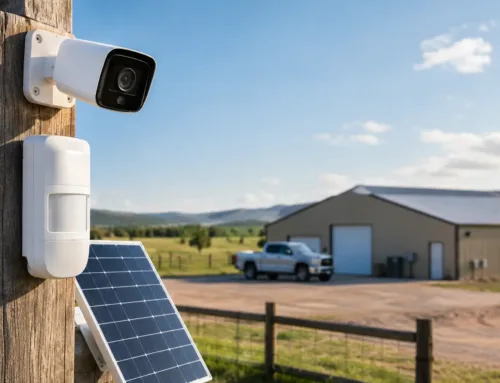
A brief interruption may be manageable if internet use is limited to email. It is a different matter when connectivity supports security and day-to-day operations. An internet-connected alarm communicator, a remote gate system, cloud-based CCTV recorder or camera at a calving shed all rely on a working route out to the internet.
The aim of a backup connection is not necessarily to replicate every high-bandwidth activity. It is to maintain priority services during a fault. That might mean CCTV alerts and live viewing, staff communications, till systems, VoIP phones, remote desktop access or the Wi-Fi needed by a small office. A well-designed setup makes clear what will remain available and what can wait until the main line returns.
What rural backup internet actually does
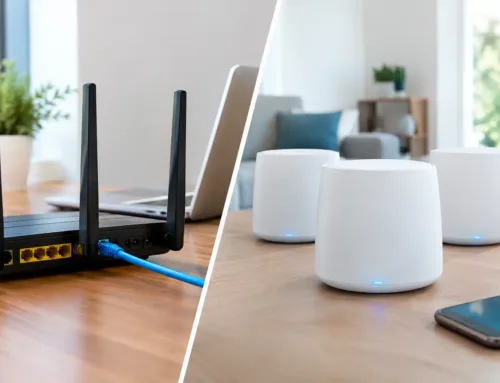
A backup service works alongside your primary broadband. A suitable router or firewall monitors the main connection. If it detects a sustained failure, it switches traffic to the secondary connection. When the primary line is stable again, the system can automatically return to it.
This is commonly called failover. It avoids the need for someone to unplug cables, reboot a router or set up a mobile hotspot each time there is a problem. For unattended buildings and sites where the people responsible may be out in the yard, in the fields or off site, automatic failover is usually the sensible approach.
There can still be a short interruption while the equipment recognises the fault and changes route. Existing video calls or remote log-ins may need to reconnect. The benefit is that the outage becomes a momentary disruption rather than several hours without access.
A second connection should be genuinely independent
The most useful backup does not share the same likely point of failure as the primary service. If your main connection is fixed-line broadband, a 4G or 5G service normally provides a different path. If mobile coverage is poor at the property, Starlink can provide a separate satellite-based route, subject to a clear view of the sky.
Using two services from the same type of infrastructure can still help, but it may not protect against every fault. A survey should consider the likely causes of interruption, not just the advertised download speeds.
Choosing between 4G, 5G and Starlink
There is no single best answer for every rural property. Coverage, signal quality, data use, the number of users and the position of buildings all affect the right choice.
4G and 5G backup
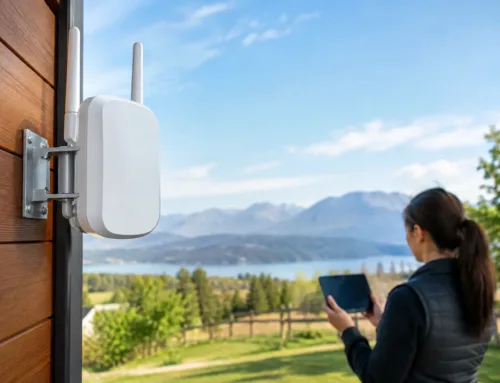
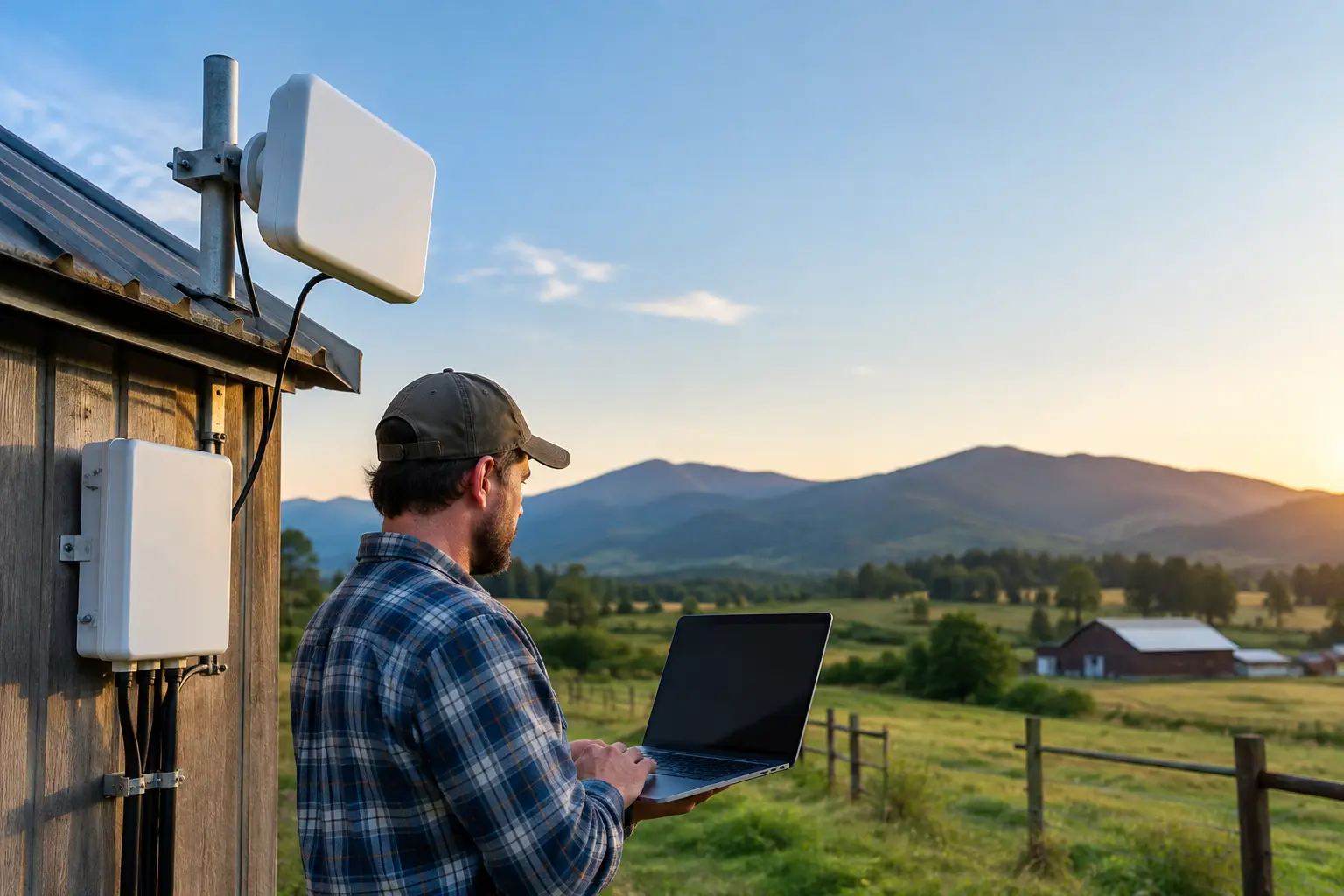
Mobile backup is often the straightforward option where a reliable signal is available. A professionally positioned external aerial can make a substantial difference compared with relying on a router placed near a window. On farms and estates, the best signal may be on a gable end, at roof level or on a higher building away from trees and steel-clad sheds.
4G can be more widely available than 5G and is often adequate for security systems, office work and general browsing. 5G can offer greater capacity where coverage is strong, making it more suitable for busier offices, multiple users or higher-quality remote viewing of cameras.
Mobile services do have trade-offs. Local mast congestion can affect performance, especially at busy times, and data allowances need careful consideration. A backup connection that is used only during faults may have modest requirements. One that also carries guest Wi-Fi, regular camera uploads or large cloud backups can use far more data than expected.
Starlink backup
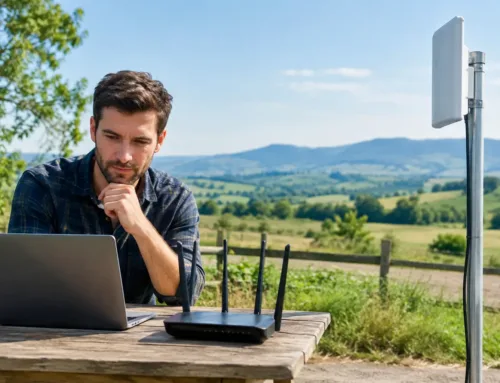
Starlink can be a strong option for sites with poor fixed-line and mobile coverage. It is particularly useful for isolated farms, temporary compounds, remote barns and locations where installing a new conventional connection is impractical.
Its installation position matters. The dish needs a clear, unobstructed view of the sky, so nearby trees, buildings and rising ground must be assessed. It also needs secure mounting, sensible cable routing and appropriate network equipment indoors. A dish installed quickly in a convenient spot may work initially but become unreliable as foliage grows or weather exposes a weak mounting arrangement.
Starlink is capable of supporting much more than emergency traffic, but backup use should still be planned. If it takes over during an outage, decide whether office devices, CCTV, smart TVs, guest networks and automatic updates all need unrestricted access. Setting priorities prevents non-essential activity from consuming capacity when security and operational systems need it most.
Keep security and monitoring services online first
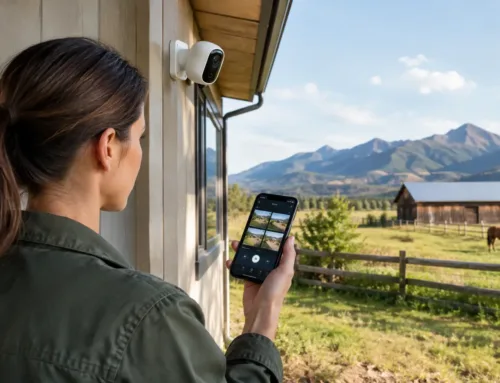
For many rural customers, the strongest case for a backup connection is continuity of protection. AI-enabled CCTV that identifies people or vehicles is of limited value if it cannot send notifications during a broadband fault. The same applies to alarm signalling, remotely viewed gate cameras and cameras used to check livestock during lambing, calving or foaling.
This does not mean every camera must run at full resolution all the time. A sensible configuration can prioritise alarm events, low-bandwidth remote streams and recorder connectivity while reducing less urgent traffic. Local recording also remains valuable. If the internet fails completely, cameras can continue recording on site, provided the network and power remain available. The backup connection then restores remote access and alerts.
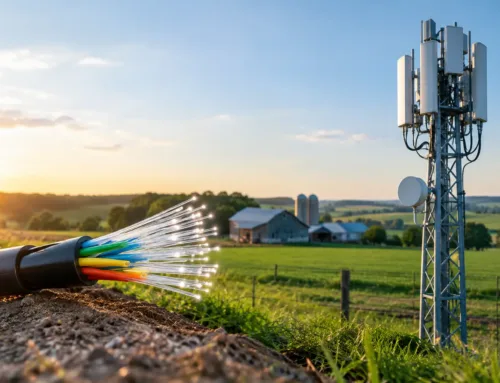
Larger farms and estates often have cameras, workshops and buildings linked by wireless bridges or fibre runs. In those cases, backup internet should be considered as part of the whole network. There is little benefit in a good 5G signal at the main office if the livestock shed camera is on a poorly designed link that fails independently.
Do not overlook power resilience
Internet backup only works while the networking equipment has power. A mains cut can stop the primary router, backup router, mobile aerial equipment, Starlink hardware, CCTV recorder and wireless links at the same time.
For sites where monitoring is essential, an uninterruptible power supply can keep core equipment running through short outages. The required size depends on the equipment load and the period of backup needed. It may be enough to support the router, network switch, CCTV recorder and alarm communicator, rather than every device on the premises.
Longer power cuts require a separate plan, such as a generator with suitable changeover arrangements. The point is to design connectivity and power together. One without the other can give a false sense of security.
A practical way to design the right system
The best starting point is to identify what must remain online. For one household, that may be Wi-Fi calling, heating controls and the front gate camera. For a farm, it may include alarm signalling, office access, livestock cameras, a card terminal and communications between buildings. For a business, it may be phones, cloud applications and payment systems.
Next, establish what is already available at the site. Mobile signal should be tested in likely aerial positions rather than judged only from a coverage map. Starlink should be assessed for obstructions. Existing routers, switches, CCTV recorders and Wi-Fi access points should be checked for compatibility with failover equipment.
There are also technical details worth getting right from the outset. Some mobile connections use carrier-grade NAT, which can affect direct remote access to equipment. A properly configured router, secure remote access method or cloud-managed security system can avoid unnecessary problems. Network separation is also useful, keeping guest Wi-Fi and non-essential devices away from security and business-critical services.
CUBTECH approaches this as a site solution, not a box of equipment. A survey can identify signal options, building-to-building links, priority services, power requirements and the most practical installation route before a system is specified.
Test it before you need it
A backup connection should be tested after installation and checked periodically. Simulate a primary broadband failure, confirm that the router changes over, then check the services that matter: camera notifications, remote viewing, alarm communication, phones, card terminals and access to essential systems.
Testing also reveals assumptions. You may find that one building has a weak wireless link, a device needs a configuration change, or a data allowance is too limited for the way the site operates. It is far better to find that out on an ordinary weekday than during a storm, a security incident or a busy lambing night.
A reliable rural connection is valuable. A properly planned backup makes it far less likely that one fault will leave your property, livestock or business out of reach.