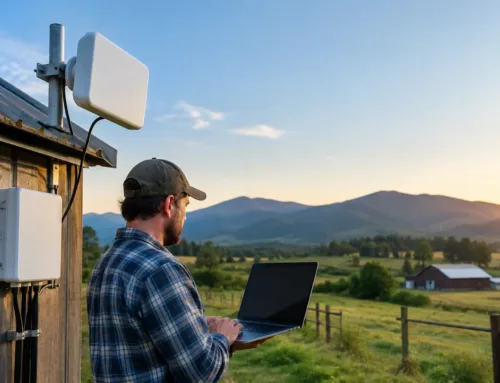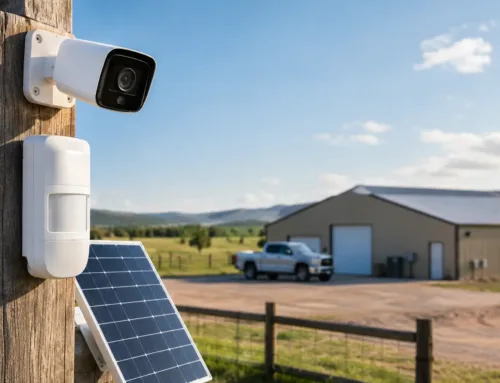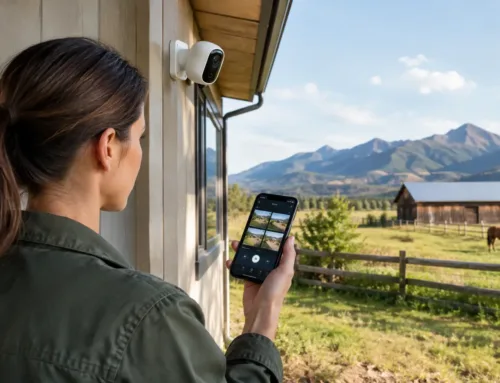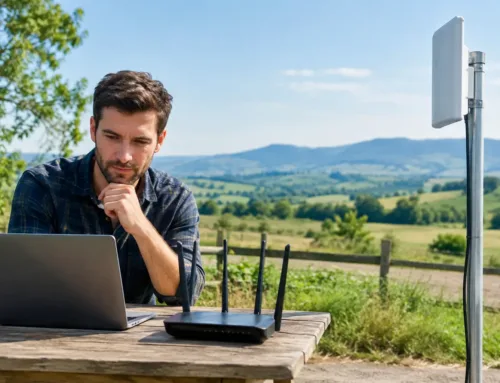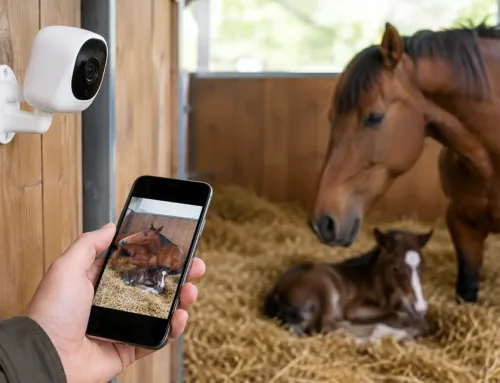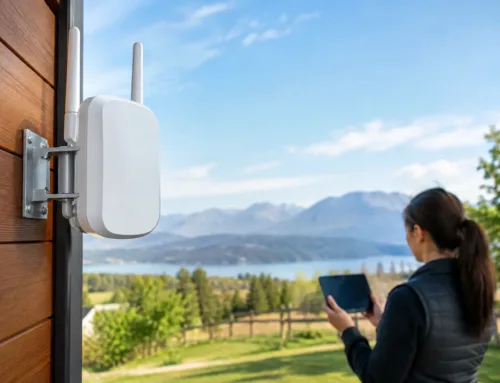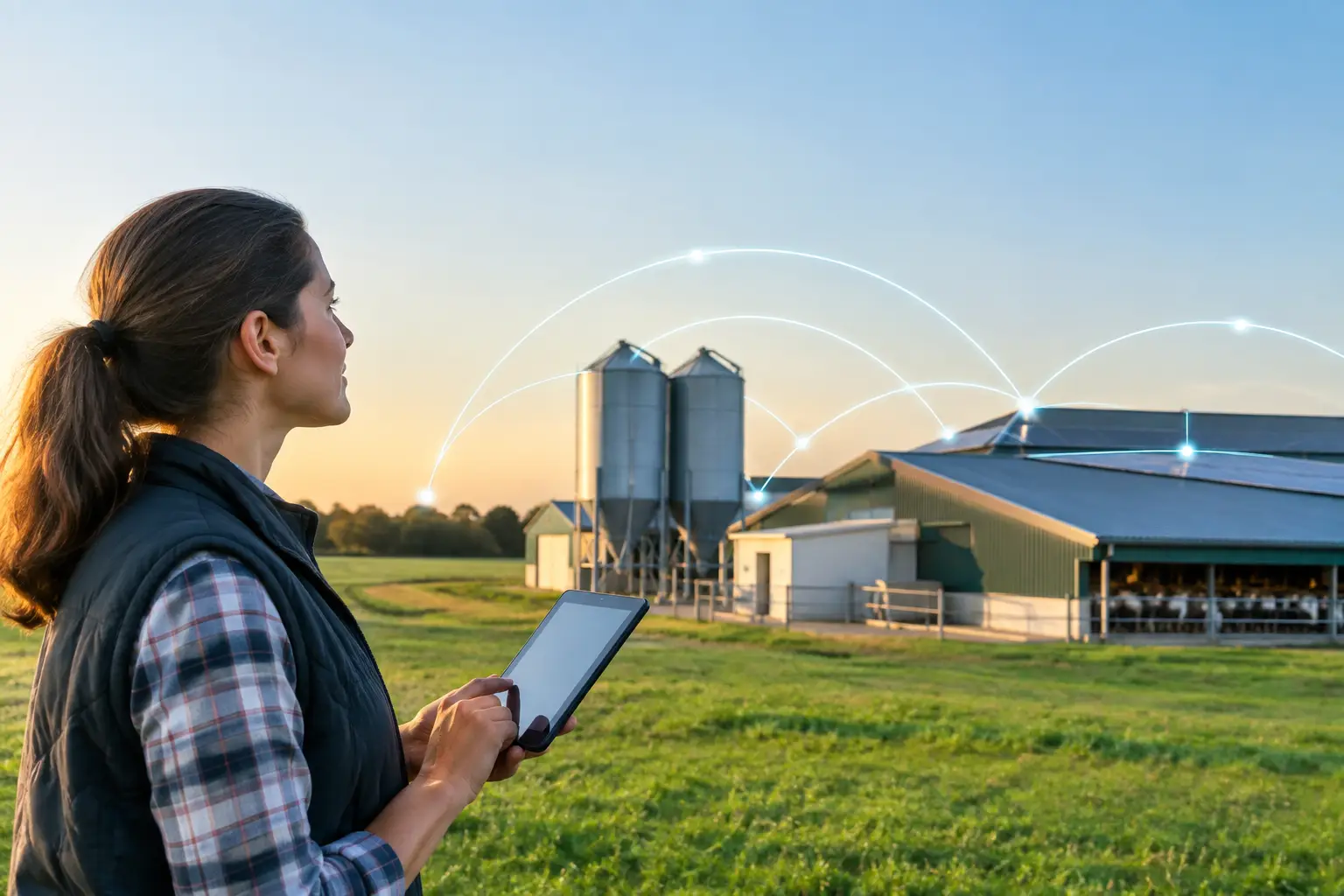
A camera in the calving shed is only useful if it stays connected. The same applies to a card terminal in the farm shop, Wi-Fi in a holiday cottage, a CCTV system at the machinery yard or an office computer in a converted barn. This farm fibre network guide explains how to connect separate buildings properly, rather than relying on a patchwork of weak wireless signals and domestic-grade extenders.
For many farms and estates, the broadband connection arriving at the main house or office is not the real problem. The difficulty is getting a dependable connection from that point to buildings hundreds of metres away, across yards, tracks and fields. Fibre is often the strongest long-term answer where a cable route is practical.
Why fibre makes sense on a farm
Fibre optic cable carries data using light rather than electricity. In practical terms, it can move a fast, stable connection over long distances without the loss and interference associated with conventional copper network cable.
This matters on agricultural sites. A shed may be 150 metres from the farmhouse, a workshop may sit beyond a busy yard, and livestock buildings may be spread across a large holding. Standard Ethernet cable has distance limits, while ordinary Wi-Fi is easily affected by stone walls, metal cladding, machinery, trees and changing weather conditions. Fibre is not affected by electrical interference from motors, welders, solar equipment or machinery, and it does not create an electrical connection between buildings.
That final point is often overlooked. Linking buildings with copper cable can introduce issues around earthing and electrical surges. Fibre provides electrical isolation, which is particularly valuable where outbuildings have separate power supplies or are exposed to lightning risk.
A fibre link can support much more than internet browsing. It can provide the backbone for CCTV, AI people and vehicle detection, alarm communication, access control, livestock cameras, office systems, point-of-sale equipment and high-quality Wi-Fi in each building.
Start with the working needs, not the cable
The right design begins with how the site operates. Installing fibre to every building may be sensible on a growing estate, but it is not always necessary for a small holding with one remote shed. Equally, a single wireless link may suit a temporary building but become a limitation once cameras, staff devices and monitoring equipment are added.
Consider which buildings need connectivity now and which may need it in the next few years. A machinery workshop might initially need a single CCTV camera, then later require Wi-Fi for diagnostics, a tablet-based job system and additional surveillance. Planning for spare capacity during the first installation is usually far easier than reopening trenches later.
It also helps to separate the two parts of the job: the internet source and the site network. Fibre distributes connectivity around the farm, but it does not create an internet connection by itself. The source could be fixed-line broadband, 4G, 5G or Starlink at the main building. If rural broadband is poor, improving the incoming service and installing a proper site network often need to happen together.
Planning the fibre route across a farm
A site survey should identify a sensible route from the main communications point to each destination. The shortest route is not always the best one. A slightly longer route along an existing track or service corridor may be safer, easier to maintain and less likely to be disturbed by drainage work, fencing or future building projects.
For buried fibre, cable should be installed in suitable ducting at an appropriate depth for the ground conditions and expected vehicle activity. Farm traffic changes the calculation. A route crossing a busy gateway, cattle yard or regular loader path needs more protection than one running through a verge. Marker tape, draw ropes and clear route records make later maintenance much less disruptive.
Where trenching is impractical, an overhead route may be possible in some locations, provided it is properly designed and protected. This requires careful consideration of clearances, building movement, exposure to weather and the risk of damage from machinery. It is not a shortcut to take lightly.
Inside each building, the fibre terminates in suitable network equipment. From there, standard network cabling can serve wireless access points, cameras, computers, televisions or other connected devices. The equipment needs a dry, secure location with power available. In dusty workshops or livestock buildings, an appropriately rated enclosure may be needed.
Single-mode or multi-mode fibre?
For most farm and estate installations, single-mode fibre is the sensible default. It supports long distances and provides plenty of headroom for future upgrades. The initial material cost difference is generally small compared with excavation and installation work, so choosing a cable that will not restrict future plans is good practice.
Multi-mode fibre can be suitable for shorter runs within a building or campus environment, but its distance limitations make it less flexible for spread-out rural sites. The exact cable type, core count and termination method should be chosen around the site plan rather than selected as an off-the-shelf package.
Allow for spare cores and future buildings
A fibre cable contains individual strands, known as cores. Not every core must be used immediately. Installing spare cores is a straightforward way to allow for future expansion, resilience or a second network path without laying another cable.
A useful design may include separate links for the farmhouse, office, workshop, livestock sheds and holiday accommodation. It may also reserve capacity for a future grain store camera, electric gate, workshop extension or new building. The appropriate scale depends on the holding, but future-proofing the route is usually more valuable than trying to minimise every metre of cable.
Fibre versus point-to-point wireless links
Fibre is not the only way to connect farm buildings. A professionally installed point-to-point wireless link can be an excellent option where there is a clear line of sight between two locations. It can avoid disruptive trenching and is often well suited to a distant building, a temporary operational area or a route that crosses land where excavation is difficult.
However, wireless requires careful positioning and realistic expectations. Trees grow, foliage thickens in summer, new structures appear and vehicles can obstruct low-mounted equipment. Metal-clad sheds can make internal coverage challenging even when the link itself is strong. A wireless bridge may be ideal for one remote barn, while fibre remains the better choice for core buildings, high camera counts or sites that need maximum consistency.
Many well-designed rural networks use both. Fibre connects the main cluster of buildings, and a wireless link extends service to a field shelter, gatehouse, distant unit or location where digging is not viable.
Designing the network for CCTV and livestock monitoring
Cameras place different demands on a network than ordinary browsing. A single high-resolution camera may work comfortably over a modest connection, but several cameras recording continuously, especially across multiple buildings, need more careful planning. The same applies to calving, lambing and foaling cameras where reliable live viewing is the point of the system.
Network switches, recording equipment and camera settings should be matched to the available bandwidth and the way footage will be viewed. It may be better for cameras to record locally on site while allowing remote live viewing when needed, rather than sending every recording stream out over a limited rural broadband connection.
A properly segmented network is also worth considering. Separating business devices, guest Wi-Fi, cameras and smart equipment can improve security and make faults easier to diagnose. It avoids a visitor’s phone, for example, sitting on the same network area as security infrastructure.
Power resilience deserves attention too. Fibre may still be intact during a power cut, but network equipment, routers, Wi-Fi points and cameras need electricity. Uninterruptible power supplies can keep key equipment running through short outages, while longer interruptions may call for generator planning or power backup at critical locations.
Common mistakes that cost more later
The most expensive problems tend to come from decisions made before installation. These include using unsuitable external cable, burying cable without protective ducting, failing to document routes, placing equipment in damp or inaccessible areas, and designing only for current devices.
Another common issue is treating Wi-Fi coverage as the same thing as network connectivity. Fibre may deliver an excellent connection to a shed, but the Wi-Fi access point still needs to be positioned for the building’s layout. Stone walls, insulated panels, machinery and feed stores all affect coverage. A good network design considers both the link between buildings and the service within them.
It is also worth avoiding a collection of unrelated systems installed at different times. When CCTV, broadband, Wi-Fi and alarms are all handled separately, diagnosing a problem becomes slower. A joined-up design gives one clear view of how the site communicates and where support is needed.
A practical route to a reliable farm network
The best first step is a site survey that maps buildings, existing services, likely cable routes, power availability, camera positions and future plans. From there, a tailored design can combine fibre, wireless links and the right broadband source for the location.
CUBTECH designs and installs connected farm systems around the realities of rural sites, from long cable runs and poor fixed-line service to livestock monitoring and wide-area security. The aim is not simply to install cable. It is to give each building the dependable connection it needs to support the work happening there.
A well-planned fibre network should quietly do its job for years: carrying the camera view when a cow is close to calving, keeping the workshop connected, extending reliable Wi-Fi where it is needed and giving you one less thing to worry about during a busy day.