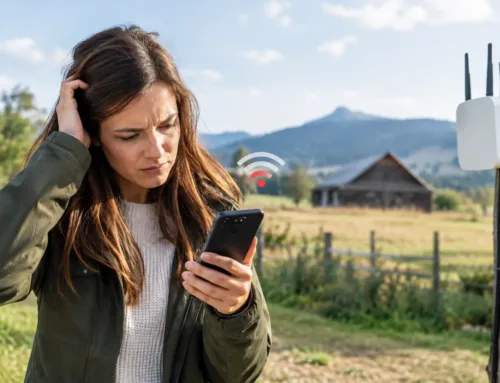
A camera in the lambing shed that drops out at night, a card terminal that will not connect in the farm shop, or a phone signal that vanishes beyond the farmhouse are not minor frustrations. They interrupt work when time matters. Knowing how to improve farm WiFi starts with treating the farm as a working site, not as a house with a few outbuildings.
A reliable system can support livestock cameras, security, office work, machinery updates, staff devices and guest access without one use affecting another. The right answer depends on the distance between buildings, the lie of the land, the quality of the incoming broadband and what needs to stay connected.
Start by finding where the connection fails
Before replacing equipment, establish whether the issue is the broadband arriving at the property or the WiFi being distributed around it. These are different problems and need different fixes.
Run a speed test beside the main router, ideally at a quiet time and again when the site is busy. Then repeat it in the places where service is poor: the office, workshop, dairy, machinery shed, yard and staff accommodation. If the speed is poor beside the router, the incoming connection is the limitation. If it is good there but weak elsewhere, the problem is coverage.
Also pay attention to when it fails. A connection that slows only when several cameras stream, staff arrive or a large upload begins may have enough coverage but insufficient capacity. A connection that works in dry weather yet drops after heavy rain can point to an outdoor cable, connector or wireless link issue.
Large stone walls, steel-clad sheds, grain stores and water tanks all weaken wireless signals. So do hills, trees in full leaf and the simple fact that a router in a farmhouse was never designed to serve a yard 250 metres away.
Improve farm WiFi in the farmhouse first
The main router should sit in a sensible, central location, not in a corner cupboard beside the incoming line. Keep it clear of metal cabinets, thick walls, large electrical equipment and other sources of interference. Raising it slightly can help, but moving it will not overcome the distance to remote buildings.
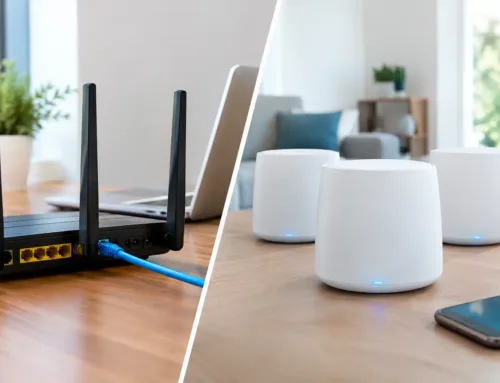
For a farmhouse with several rooms or thick internal walls, a properly planned mesh WiFi system can improve indoor coverage. Unlike a basic range extender, a good mesh system uses several access points to provide one network name around the home. Devices can move between coverage points with less disruption.
That said, mesh is not a cure for every site. Wireless mesh units need a good connection to each other. If one is placed at the far end of a building where the signal is already poor, it merely repeats a weak connection. Where possible, connecting access points back to the router with network cable gives better performance and greater reliability.
Use wired networks where they make sense
A cable remains one of the most dependable ways to connect fixed buildings. For a nearby office, workshop or converted barn, a professionally installed outdoor-rated network cable or fibre connection can provide a stable backbone. A WiFi access point can then be fitted inside that building, giving local coverage where it is needed.
Fibre is often the better choice between buildings where distances are longer, electrical interference is likely, or lightning and earthing risks need careful consideration. It carries data over light rather than electricity and can support high speeds across substantial distances.
Cable installation does involve trenching, ducting and planning around vehicle routes, drains and future building works. It can be the best long-term investment on a permanent site, but it is not always practical across a yard, roadway or field.
Bridge distant buildings with point-to-point wireless links
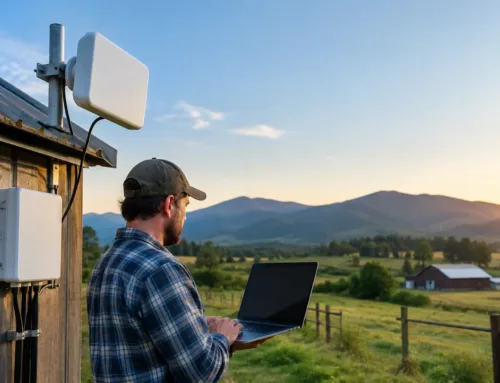
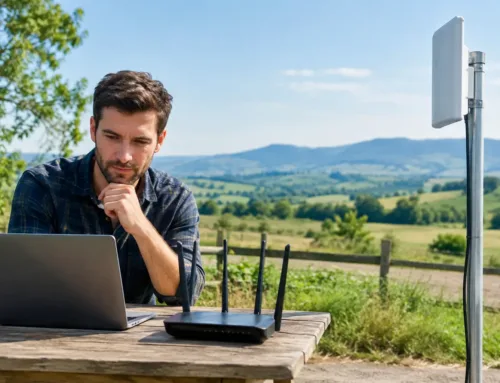
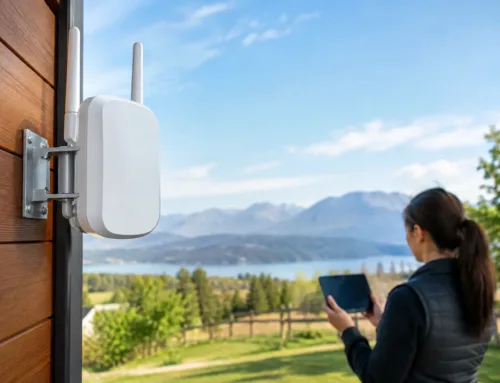
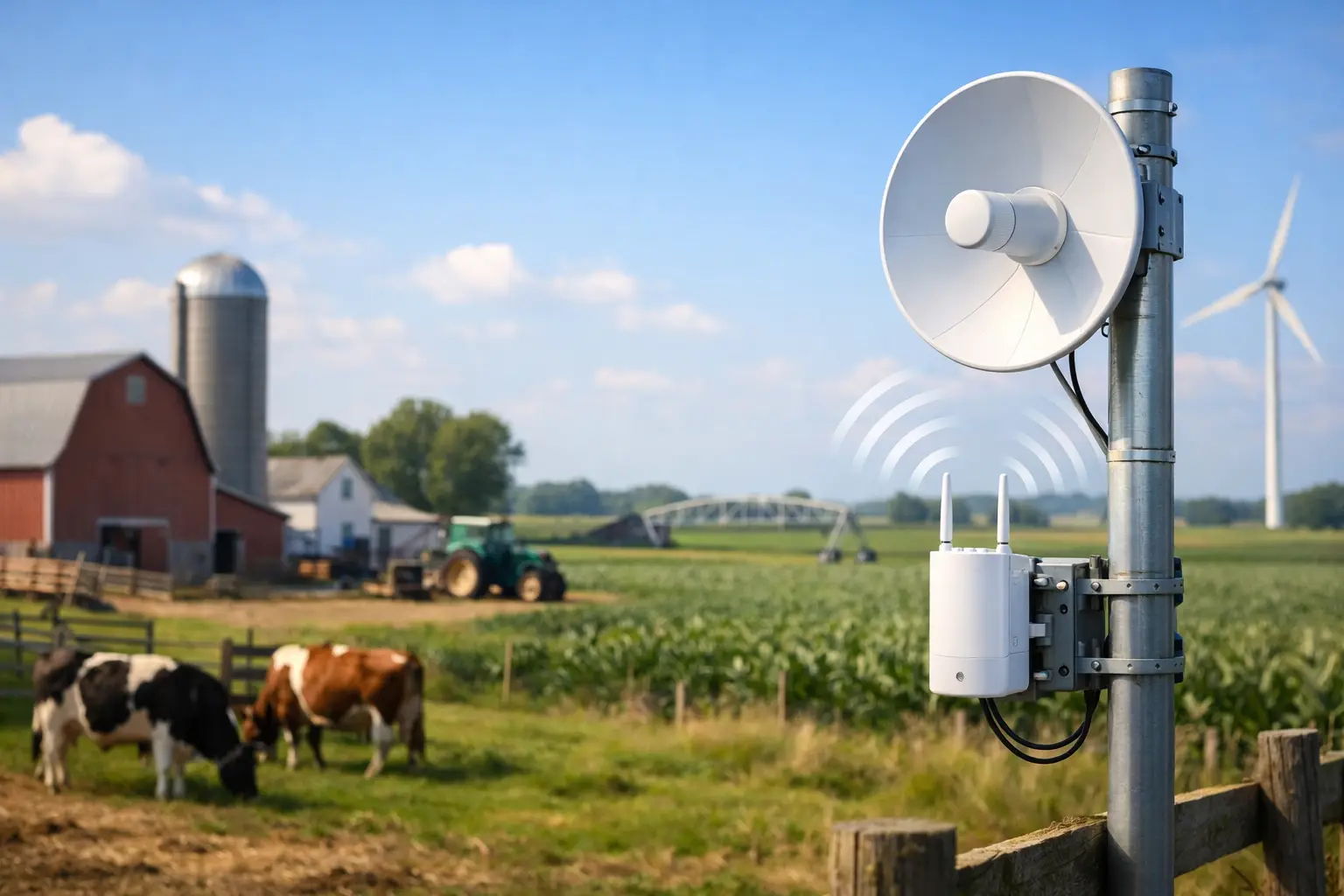
For many farms, a point-to-point wireless link is the practical answer. This uses two purpose-built outdoor radios: one on the building with the internet connection and one on the remote building. Together, they create a dedicated wireless bridge, allowing the second building to have its own wired connections and WiFi access point.
A well-designed link can connect a farmhouse to a dairy, workshop, farm office, holiday let or livestock shed without relying on a consumer WiFi extender. It can also carry CCTV traffic, provided the link and network are sized for the number and quality of cameras in use.
Clear line of sight is key. The radios need to see each other with no buildings, dense trees or rising ground in the path. A site survey should consider mounting height, wind exposure, the path across the yard and seasonal vegetation. A link that appears clear in winter may be partly blocked by a tree canopy in summer.
For a large estate or multiple outbuildings, it may be better to build a central network and run several separate links from it. This is usually more stable than trying to extend a signal building by building.
Make sure rural broadband can support the job
There is little value in spreading weak broadband further around the farm. If the incoming service is slow, intermittent or unavailable, assess the available rural connectivity options before investing heavily in internal WiFi.
Fixed broadband may be sufficient where full-fibre is available, but many rural properties still depend on older lines with limited speed. In suitable locations, a 4G or 5G router with an external aerial can provide a worthwhile improvement. The aerial needs careful positioning and alignment towards the strongest mast, rather than simply being fitted where it is easiest to reach.
Starlink can be a strong option for isolated farms, temporary offices, construction areas and locations where conventional broadband is not viable. It needs a clear view of the sky and a sensible installation location, particularly where trees, roofs or nearby structures could obstruct the dish. It is also worth considering data use: multiple high-resolution cameras, cloud backups and guest access can consume capacity quickly.
The right service is not always the one with the highest advertised download speed. Reliability, upload speed, latency, equipment location and ongoing costs all affect whether it will support day-to-day farm operations.
Separate critical devices from everyday use
Once more devices connect to a farm network, organisation matters. CCTV cameras, livestock monitoring systems, alarms and business equipment should not be competing with personal streaming, visitors’ phones or guest accommodation WiFi.
A properly configured network can separate these uses into different areas while still allowing authorised staff to view cameras or manage systems. This helps protect important equipment and makes faults easier to trace. If a guest device causes a problem, it should not take a security camera offline.
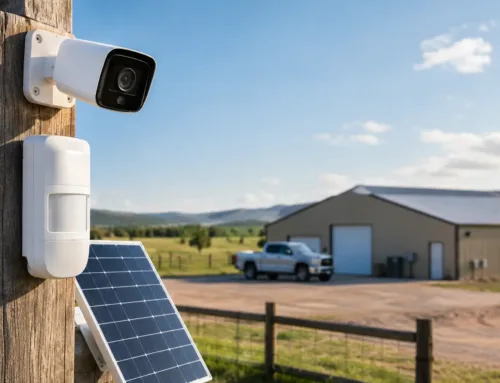
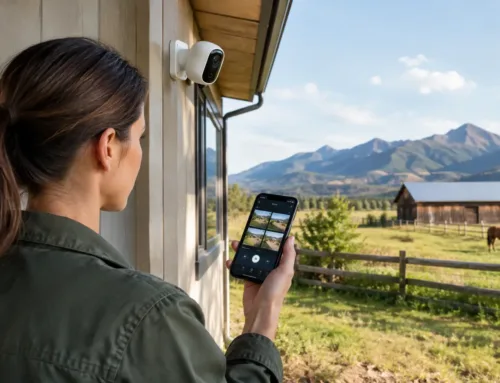
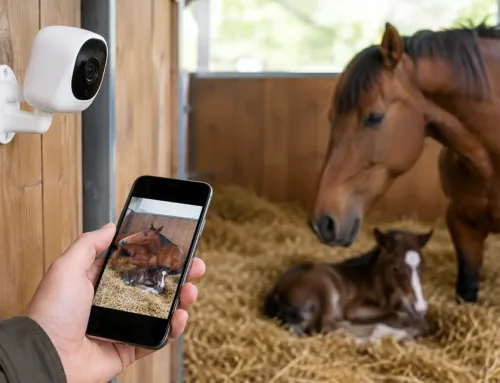
For sites with cameras in calving, lambing or foaling areas, plan for the real demand. A single camera may be modest, but several high-definition cameras transmitting continuously back to a recorder or phone can place significant load on the local network. Wired connections or dedicated wireless links are usually preferable to placing cameras at the edge of a weak domestic WiFi signal.
Power resilience matters too. A short power cut can stop routers, network switches, broadband equipment and cameras at once. A suitably sized battery backup for key equipment can keep essential connectivity running long enough for brief outages, or allow systems to shut down cleanly during longer ones.
Avoid the common quick fixes
Cheap plug-in extenders are tempting because they are easy to buy and install. On a farm, they often add another unreliable point to the network. They may help with one dead spot inside a house, but they are rarely suitable for a stone outbuilding or open yard.
The same applies to placing a domestic router in a shed and hoping it reaches the next building. Metal cladding reflects and blocks signal, while outdoor conditions are hard on equipment not designed for them. Outdoor-rated access points, correctly mounted and cabled, are made for this type of work.
Do not overlook maintenance after installation. Check that outdoor equipment remains firmly mounted, cables are protected, software is kept current and any growing trees have not started to obstruct wireless paths. A network that is well designed from the outset should be straightforward to maintain, not a collection of routers with unknown passwords.
Plan the system around the way the farm operates
The best farm WiFi projects begin with a practical walk around the site. Identify every building, camera location, office, monitoring point and area where staff need coverage. Consider where the site may expand too. A new livestock building, holiday unit, farm shop or additional camera should not require the whole network to be rebuilt.
CUBTECH designs connectivity around these operational needs, combining rural broadband, wired infrastructure, long-range wireless links and WiFi coverage with security and monitoring systems where required. A professional survey can establish what is achievable before equipment is selected, avoiding unnecessary hardware and difficult-to-diagnose gaps.
Good farm WiFi is rarely one box plugged into the farmhouse router. It is a planned connection between the places where work happens, built to keep pace with the farm rather than asking the farm to work around it.