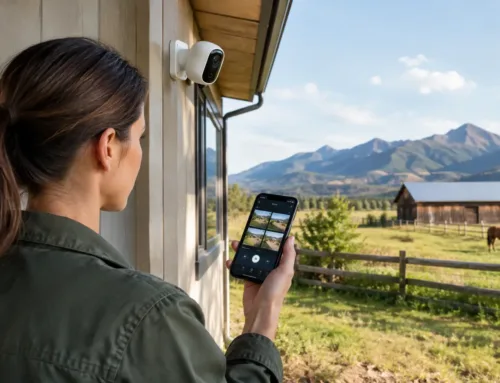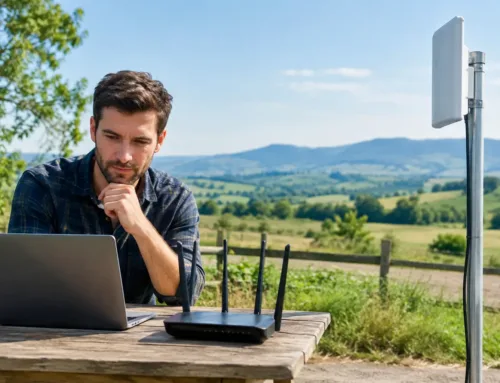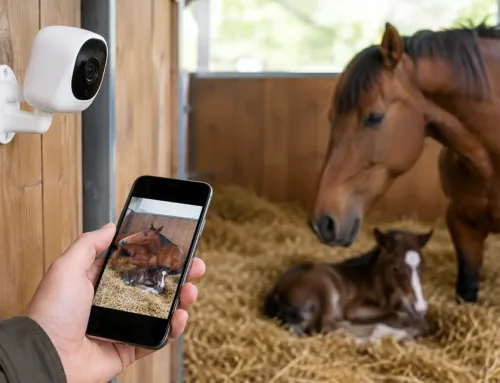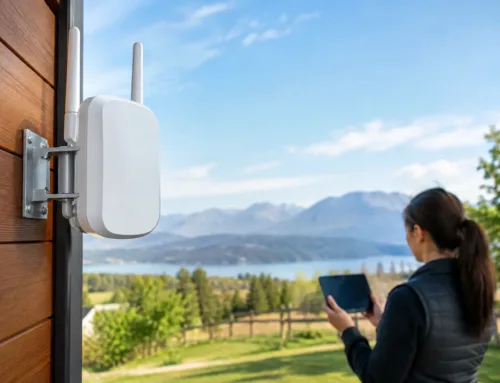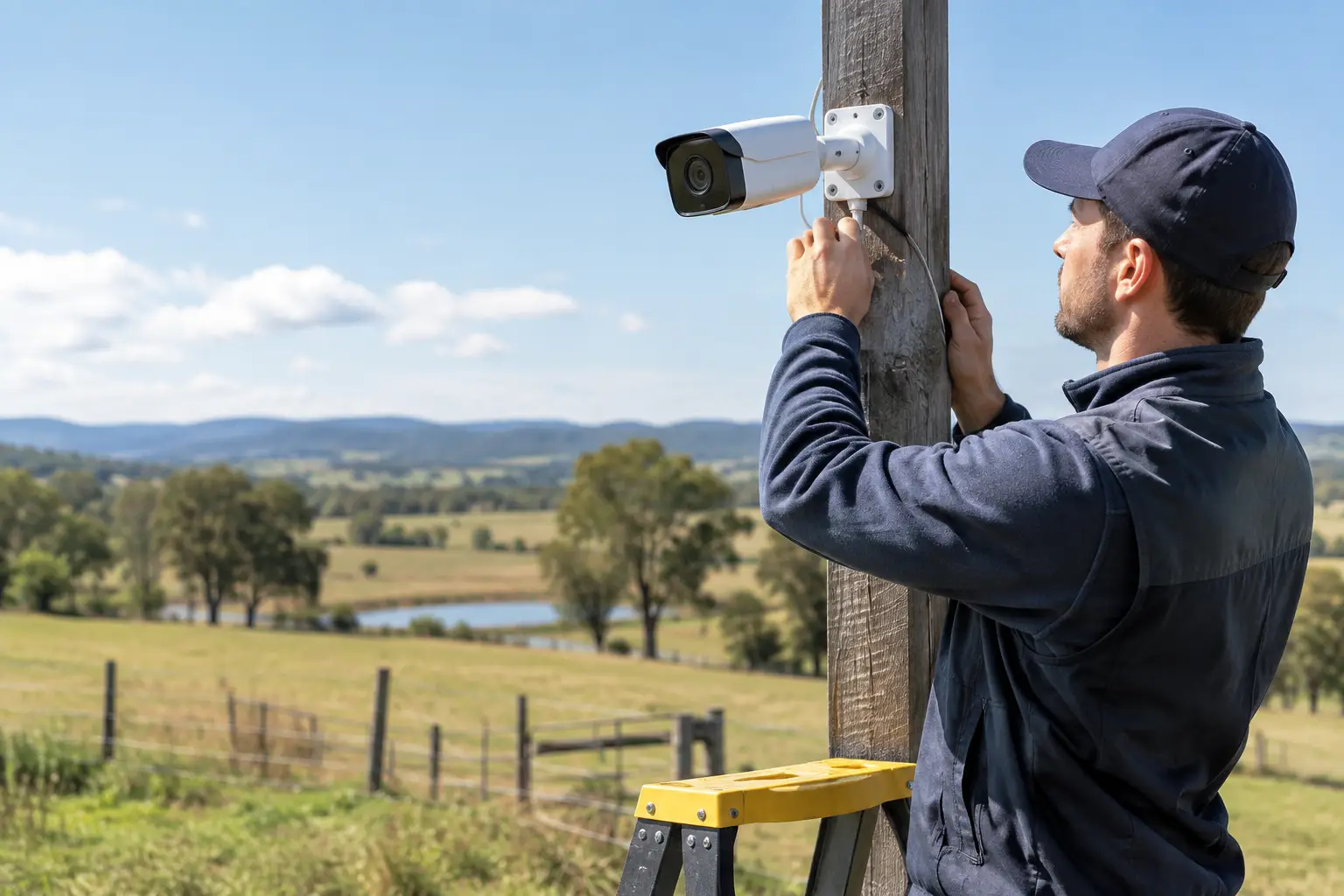
A camera at a farm gate is only useful if it identifies the vehicle, records when it should and remains online when you need the footage. The same applies to a camera covering a workshop, stable yard, fuel tank or rural home. Knowing how to install IP cameras properly is less about fixing a device to a wall and more about designing a system that works across the whole site.
For many rural properties, the main challenge is not the camera itself. It is distance, poor broadband, exposed cable routes, limited power at outbuildings and the need to view footage without constant false alerts. A considered installation addresses these issues before any holes are drilled.
Start with what the cameras need to achieve
Begin by identifying the outcome for each area. An entrance camera may need to capture number plates and faces. A yard camera may need a broad overview of vehicle movements. In a lambing shed, calving unit or foaling stable, the priority may be a clear live view in low light rather than evidential identification at a long distance.
Avoid trying to cover a large area with one camera mounted high on a building. Wide views are useful for awareness, but the subject can be too small to identify. It is often better to combine an overview camera with a second camera positioned closer to a gateway, doorway or track.
Walk the site at the times when incidents or activity are most likely to occur. Look at vehicle approach routes, pedestrian access, blind corners and places where equipment is stored. At night, check where existing lights create glare and where headlights will shine towards the camera. Camera placement that looks sensible at midday can perform poorly after dark.
Before selecting equipment, record these practical details:
- The areas that need identification, observation or livestock monitoring
- Approximate distances from each camera back to the recorder or network cabinet
- Available power and existing cable routes through buildings, ducts or trenches
- Whether there is a reliable internet connection for remote viewing
- Obstacles such as trees, stone walls, metal sheds, hills and moving machinery
This early planning helps determine whether a wired network, a point-to-point wireless link, 4G or 5G connection, or Starlink-supported setup is appropriate.
Choose the right IP camera system
IP cameras send video over a computer network. In most professional installations, each camera connects back to a network video recorder, often called an NVR, which manages recording and provides local storage. Cameras can then be viewed on a monitor, phone or computer, subject to suitable user permissions and internet connectivity.
For dependable fixed cameras, Power over Ethernet, or PoE, is usually the preferred approach. One network cable provides both power and data, reducing the number of supplies required at the camera position. This is particularly useful around barns, workshops and outbuildings, provided the cable is correctly specified and protected.
Camera type should follow the task. Turret or bullet cameras suit fixed coverage of entrances, yards and building elevations. Varifocal cameras allow the view to be adjusted during commissioning, which is useful when the exact field of view is uncertain. Pan-tilt-zoom cameras can cover wide areas but should not be treated as a replacement for fixed cameras, as they only record where they are pointed at that moment.
Resolution matters, but more megapixels do not automatically mean better footage. At night, image quality depends on the lens, sensor, lighting and how much of the image the camera is trying to cover. A well-positioned camera with sensible settings can outperform a higher-resolution unit installed too far away.
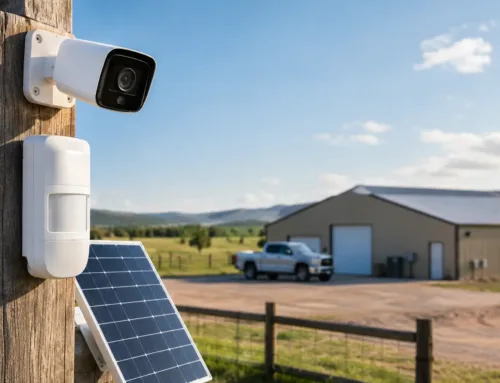
For exposed rural locations, choose equipment with suitable weather protection and a mounting arrangement that can withstand wind, vibration and livestock activity. Cameras near gates, livestock areas or machinery also need to be mounted high enough to avoid interference, while remaining accessible for cleaning and servicing.
How to install IP cameras with reliable cabling
Once positions are agreed, plan the cable run before mounting cameras. Network cable has a practical maximum run length of around 100 metres between active network devices. A camera beyond that distance may need an additional network switch, fibre connection or a wireless bridge. On farms and estates, this is a common point where a simple-looking installation becomes a network design job.
Use external-grade network cable for outdoor routes and protect it from weather, rodents, machinery and accidental damage. Where cables cross open ground, install them in suitable ducting at an appropriate depth. Routes along buildings should be clipped securely, kept away from sharp edges and protected where they enter a wall or shed.
Do not run network cables loosely across yards, gates or livestock passages. Aside from the obvious trip and damage risk, intermittent faults caused by crushed or water-damaged cable are time-consuming to trace later.
At the recording end, install the NVR, PoE switch and any network equipment in a secure, dry location. This might be a communications cupboard, office, utility room or locked cabinet rather than an exposed workshop bench. Allow ventilation around recording equipment and use an uninterruptible power supply where practical. A short power interruption can otherwise take cameras, recording and remote access offline at once.
Surge protection deserves attention on long outdoor runs and between separate buildings. Rural sites can have overhead power supplies, long cable routes and exposed structures, all of which increase the importance of protecting both cameras and network equipment.
Set up the network before relying on remote viewing
Every camera needs a stable connection to the local network. During setup, give cameras clear names based on their location, such as Main Gate, Grain Store or Lambing Shed. This makes the system far easier to use during an incident than a list of default device names.
Change all default passwords, create separate user accounts and keep recorder firmware current. Remote access should be configured carefully rather than by exposing devices directly to the internet with weak credentials. The aim is simple, secure access for authorised users without creating an unnecessary route into the wider network.
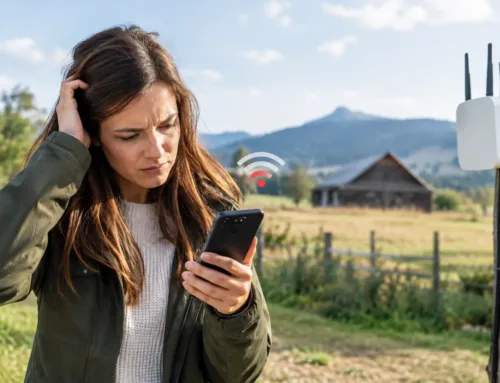
Broadband quality affects remote viewing, especially on sites with several high-resolution cameras. The upload speed is the limiting factor for viewing footage away from the property. Where fixed-line broadband is poor, 4G, 5G or Starlink can provide a more practical connection, although performance still depends on local signal, equipment placement and the number of people using the connection.
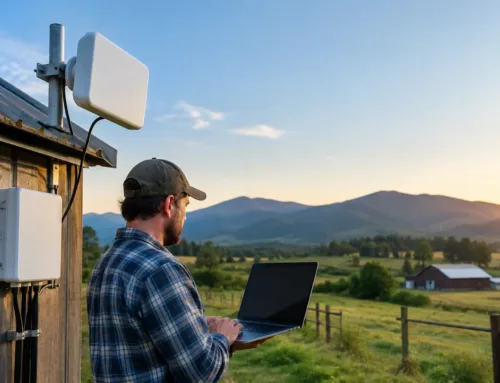
For remote buildings, a properly designed wireless link can carry the camera network back to the main site without digging a long trench. It needs a clear line of sight and secure mounting, however. Trees in leaf, new buildings and even parked machinery can affect a link that initially appeared reliable.
Configure recording, alerts and privacy settings
After the cameras are live, set recording rules around how the site operates. Continuous recording is useful for busy entrances and high-risk areas, but it requires more storage. Motion-based recording reduces storage use, although poorly configured motion detection can be triggered by rain, shadows, trees or livestock.
AI-enabled people and vehicle detection can make alerts far more useful. Instead of receiving a notification every time a hedge moves in the wind, the system can be set to alert when a person or vehicle enters a defined area. This needs careful testing. A delivery driver at the right time may be expected, while a person approaching a machinery shed overnight may require immediate attention.
Set privacy masks where cameras overlook neighbouring land, public areas or domestic spaces that do not need to be monitored. Position cameras to protect your property while respecting privacy. For business sites, make sure staff and visitors are appropriately informed that CCTV is in use, and retain footage only for as long as there is a genuine operational or security reason.
Test the system in real conditions
Commissioning should include more than checking that each camera produces an image. Test the view in daylight and darkness, walk the detection zones, drive through entrances and confirm that important details are usable in recorded footage. Check app access from outside the site, then simulate a power interruption to confirm equipment recovers correctly.
Review footage after a week or two of normal activity. You may find that a camera needs a small angle adjustment, an alert zone needs refining or storage retention is shorter than expected. Seasonal changes matter too. A view across a yard in winter may be obscured by foliage in summer, and a camera installed for a dry building can encounter condensation during colder months.
For a single camera at a straightforward home entrance, installation can be manageable with sound network knowledge. Larger farms, estates and commercial premises usually benefit from a site survey and a designed solution, particularly where long-range wireless links, multiple buildings, poor broadband or livestock monitoring are involved. CUBTECH approaches these sites as connected systems, not isolated cameras, so the surveillance, network and internet connection support one another.
A well-installed IP camera system should become part of the background of a working property: clear when you need to check a gate, reassuring when stock are close to calving, and dependable when an incident needs reviewing. That is the standard worth designing for from the start.