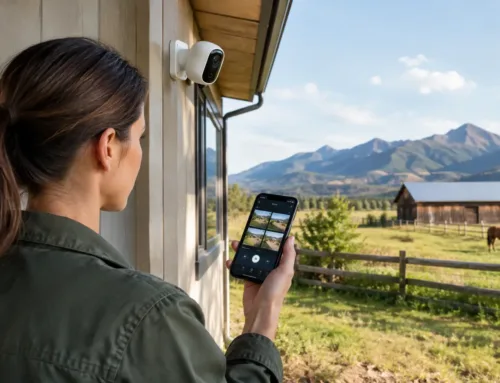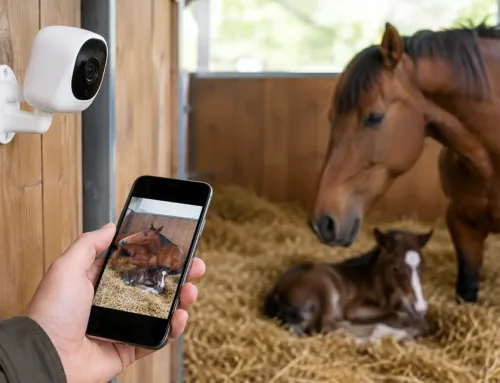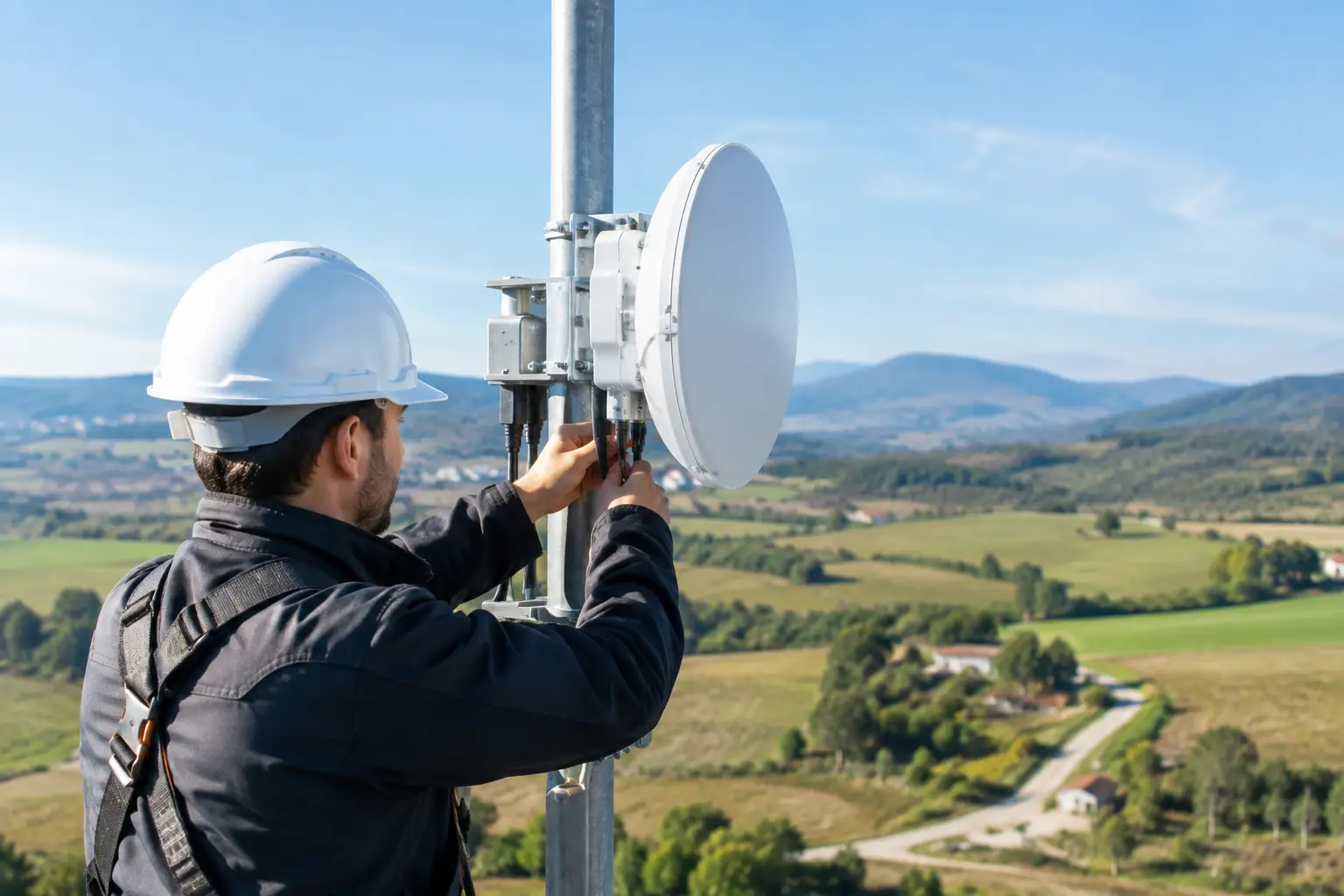
A camera at the calving shed, a gate several fields away or an office in a separate workshop should not require a costly trench across the yard. Wireless bridge installation creates a dedicated network link between two fixed points, carrying data across open ground where cable is impractical, disruptive or simply too expensive.
For farms, estates, rural homes and business premises, that can mean extending an existing broadband connection to an outbuilding, bringing remote CCTV cameras onto the same system, or providing reliable connectivity to a gatehouse, holiday accommodation or event area. The result depends far less on buying a particular piece of equipment than on surveying the route properly and designing the link around the site.
What a wireless bridge actually does
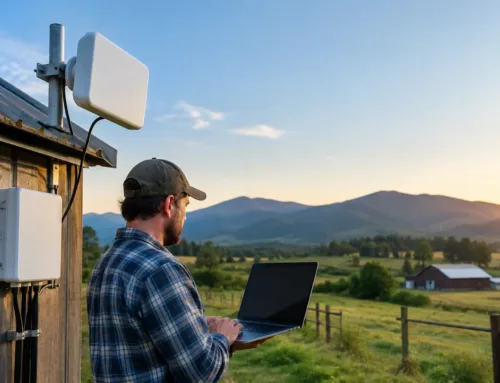
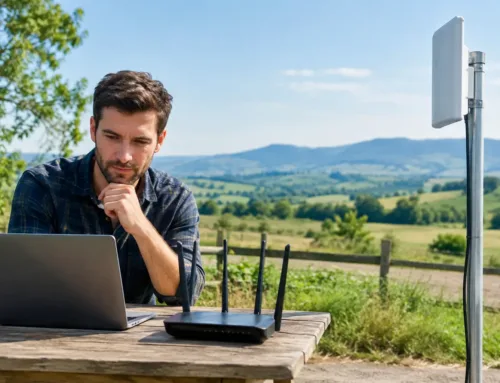
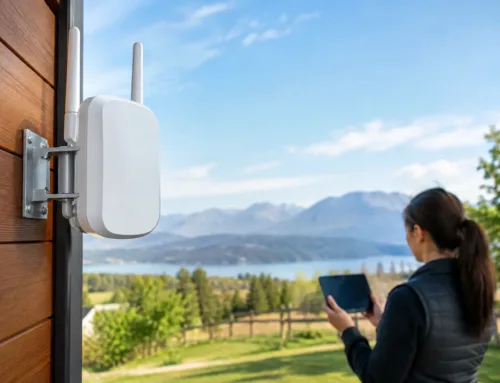
A wireless bridge uses two directional radio units. One is mounted at the building with the internet connection or main network, and the other at the remote building or location. Once aligned, they form a private point-to-point connection. To the devices at the far end, it can feel much like being connected by a network cable.
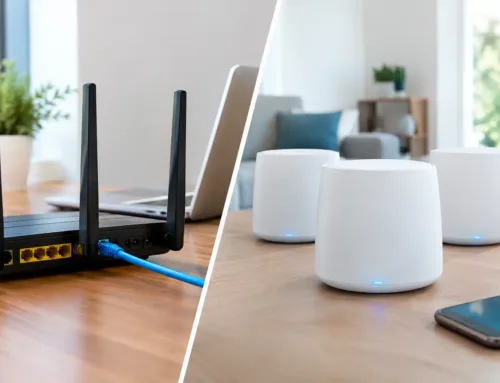
This is different from placing a standard Wi-Fi extender in a window and hoping it reaches. Extenders are intended for short-range coverage within or close to a building. A bridge is designed to carry a focused signal over a longer distance, often between buildings, across farmyards or along estate tracks.
It is also worth being clear about what a bridge does not do. It does not create an internet service where none exists. It carries the connection already available at one end. If the main building is supplied by fibre, 4G, 5G or Starlink, the bridge can distribute that connection to a suitable remote location. Where broadband is weak or unavailable, the first step may be improving the main connection before extending it.
Where wireless bridge installation makes sense
The strongest applications are sites with distance, separation and a genuine need to connect equipment. A bridge can serve a barn used for livestock monitoring, a machinery shed requiring CCTV, an office located away from the main premises, or a house needing connectivity at a detached garage or garden office.
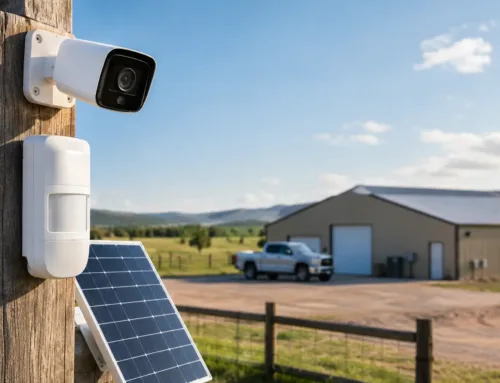
On larger agricultural and commercial sites, it can support cameras at entrances, fuel tanks, workshops and perimeter points without installing kilometres of cable. It can also provide a network connection for access control, alarm communicators, till systems or local Wi-Fi at the remote building.
Wireless is not always the right answer. If a new building is being constructed and a duct route is readily available, fibre or copper cabling may offer the best long-term option. Cable is generally less affected by weather, physical obstructions and radio interference. But where the route would involve digging through concrete yards, crossing a road, disturbing pasture or working around protected landscaping, a professionally installed wireless link is often the more sensible solution.
The site survey matters more than the distance
Distance is only one part of the decision. A link of a few hundred metres can be troublesome if trees, a grain store, a steel-clad shed or rising ground sit directly between the two points. Equally, a much longer link can perform well when there is clear line of sight and correctly specified equipment.
During a survey, the installer should assess the view between each mounting point, the height needed to clear obstructions and whether seasonal changes will affect the path. A route that appears clear in winter may be blocked by leaf growth in summer. Moving machinery, trailers and stacked bales can also alter a clear path across a working yard.
The survey should also consider how the remote end will be used. A single CCTV camera has very different requirements from a workshop with several users, smart televisions, cloud backups and multiple cameras. This helps determine the capacity required and whether the remote building needs its own switch, Wi-Fi access point, cabinet or backup power arrangement.
Planning a dependable link
A dependable bridge installation starts with a realistic design rather than an advertised maximum range. Equipment needs to be suitable for the distance, expected data use, local radio environment and exposure to wind and weather. Directional units are normally used because they focus the signal towards the other end of the link, rather than broadcasting widely in every direction.
Mounting height needs careful thought. The aim is not simply to put equipment as high as possible. It must have a clear path, be safely accessible for future maintenance and be fixed to a structure capable of handling wind loading. Chimneys, weak timber cladding and unsuitable poles can cause problems later.
Cabling and power are equally important. External-rated network cable, correct weatherproofing, surge protection and tidy cable routes all protect the installation and reduce faults. On exposed rural sites, lightning and electrical surges are a real consideration. The bridge units may be small, but they are part of a wider network that can include cameras, routers, switches and recording equipment.
For critical systems, it is sensible to discuss what happens when power or broadband fails. A small uninterruptible power supply can keep network equipment running through a short outage. CCTV recording may continue locally if the recorder remains powered, while remote viewing will depend on the internet connection being available. These details are particularly relevant for livestock cameras and security systems relied upon out of hours.
How the installation is carried out
Once the design is agreed, the physical work usually involves fitting secure mounts, installing the two bridge units, running protected cable back to the network equipment and accurately aligning the radios. Alignment is not a rough visual exercise. Small adjustments can make a noticeable difference to link quality, especially over longer distances.
The units are then configured as a secure bridge, with management access protected and the remote network set up for the intended devices. If the link is supporting CCTV, each camera is checked for live viewing, recording and remote access. If it is extending Wi-Fi, coverage inside the remote building should be tested rather than assumed.
A proper commissioning visit should confirm more than whether the connection appears online. It should check signal strength, link stability, network speed and the performance of the devices that matter on site. For a farm, that might mean opening the calving camera feed from a phone. For a business, it may mean confirming that cameras, office equipment and payment systems remain stable when the building is in use.
Common issues that weaken rural wireless links
The most common cause of poor performance is a compromised line of sight. Trees and buildings are obvious obstacles, but wet foliage, metal roofs and even a newly parked grain trailer can affect a route. A bridge installed with little clearance may work intermittently rather than fail completely, making the fault harder to identify.
Radio congestion can also play a part, particularly near built-up areas or sites with several existing wireless systems. Good equipment and correct channel planning help, but there are no universal settings that suit every location. The installation should be tested in its actual environment.
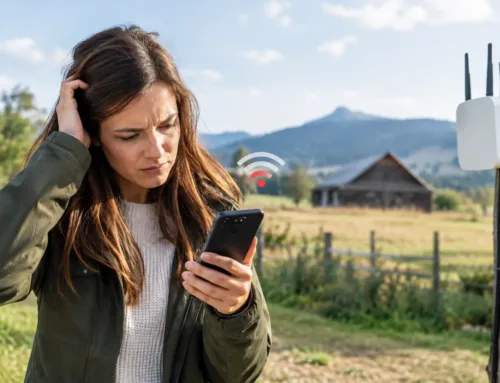
Another frequent problem is expecting the bridge to compensate for poor broadband. If the connection at the main house is slow, the remote barn will receive that same limitation. A bridge can deliver the available connection efficiently, but it cannot turn a weak fixed-line service into high-speed internet. In these circumstances, 4G, 5G or Starlink may be considered as the main connection, with the wireless bridge distributing it around the site.
Finally, avoid treating remote buildings as an afterthought. A steel-framed shed can restrict indoor Wi-Fi even when the bridge itself is performing perfectly. The answer may be an internal access point positioned where people and devices actually need coverage, rather than relying on the bridge unit to provide Wi-Fi through metal cladding.
Security, support and future expansion
A bridge should be configured as part of the wider network, not left with basic settings and unknown passwords. Separating CCTV, business devices and guest Wi-Fi may be appropriate on larger sites, particularly where several staff, tenants or visitors use the connection. This helps protect key systems and makes faults easier to trace.
It is also wise to plan for growth. A link initially installed for two cameras may later need to support additional security coverage, a livestock-monitoring camera, access control and Wi-Fi in the same building. Specifying capacity with some headroom can avoid replacing the system too soon.
CUBTECH approaches wireless links alongside the security, connectivity and practical working needs of the site. That means considering the internet source, the route, the cameras or devices at the far end, and who needs support once the installation is complete.
A well-planned wireless bridge does more than connect two buildings. It gives you a practical way to see, protect and manage the parts of your property that are furthest from the router, without turning the yard into a trenching project.